Blog
What your photos reveal: EXIF, GPS and the data you don't see
Location, time, serial numbers and sometimes the uncropped original — what a photo file carries, and how to strip it before sharing.
Documentation, progress, teaching — practices take photos that are health data. SchweizerIMG crops, compares, cleans and blurs them in your browser, on the practice computer. Not a single patient photo is uploaded to a cloud service, and we never receive one.
Built for
The daily reality
Four things every practice knows — and what replaces each one.
Cloud tools for patient photos
A quick crop on a free website means a patient photo on a server abroad — health data in hands nobody chose.
The tools run in your browser. The photos stay on the practice computer.
Before and after, never alike
Different crops, angles and sizes make progress photos hard to compare over weeks or months.
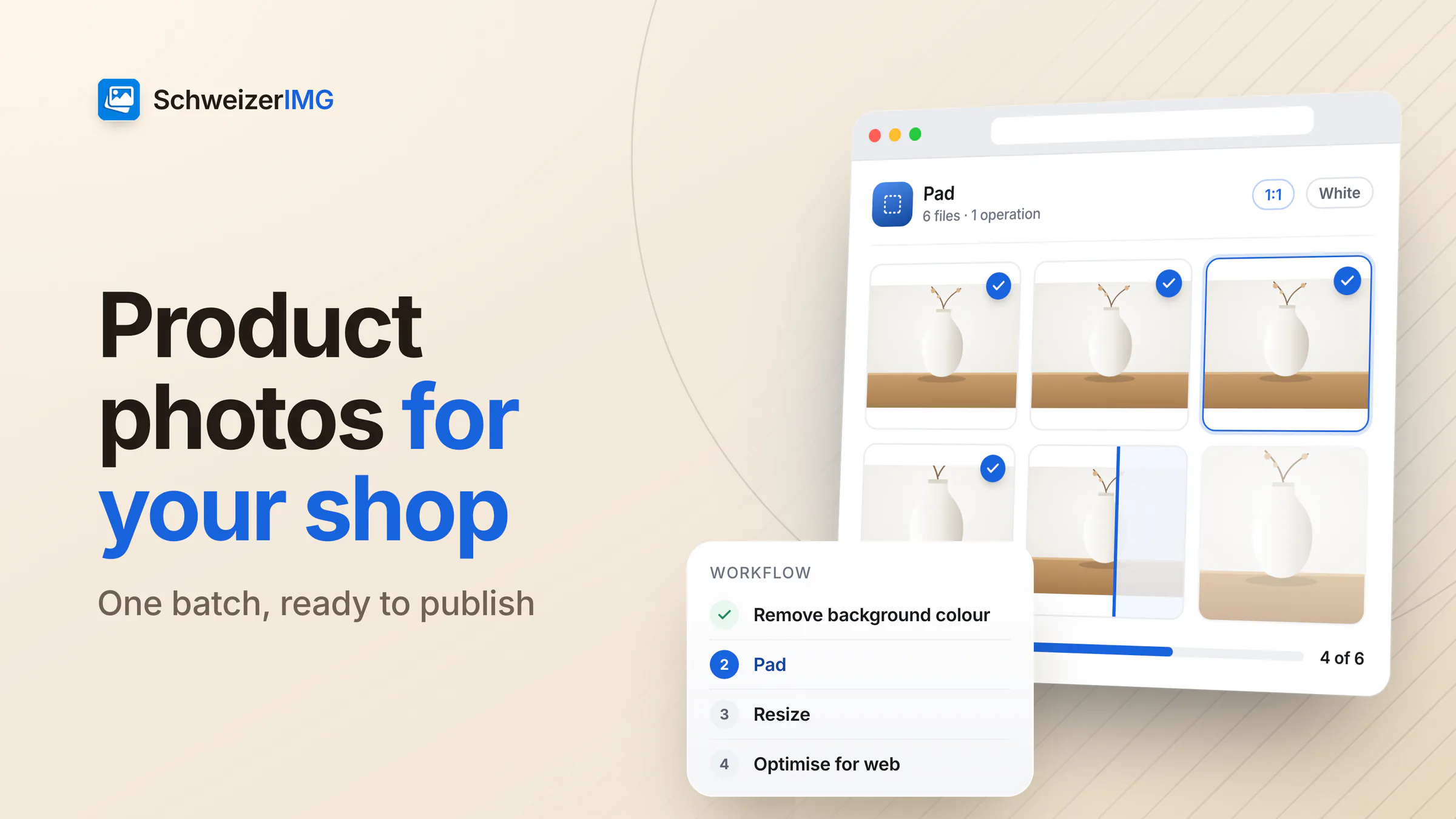
The same crop for a whole series, side by side, with a slider to compare.
What identifies a person
A face, a tattoo, a birthmark, a name tag — or the GPS position and date hidden in the file.
Hide areas for good in the export and remove the metadata in the same sitting.
Too large to send securely
Photos from the tablet are too big for the secure e-mail service the practice uses.
Resized and compressed to what your channel accepts — and checked before it goes out.
Practice images
Most of them show patients — and all of them deserve the same care as the patient file.
Pictures taken during treatment to document a finding or a course of therapy.
Comparisons over weeks or months that only make sense with the same framing and size.
Images shared with a specialist — with consent, and only what is needed.
Pictures for training and lectures, where the person must not be recognisable.
Rooms, equipment and the team, and patient examples only with explicit consent.
Photos patients send or bring along, with location and device data they rarely know about.
Each one runs in your browser, on one image or a whole batch. Tools marked “Pro” are part of the Pro and Business plans.
In practice
Processed on the practice computer
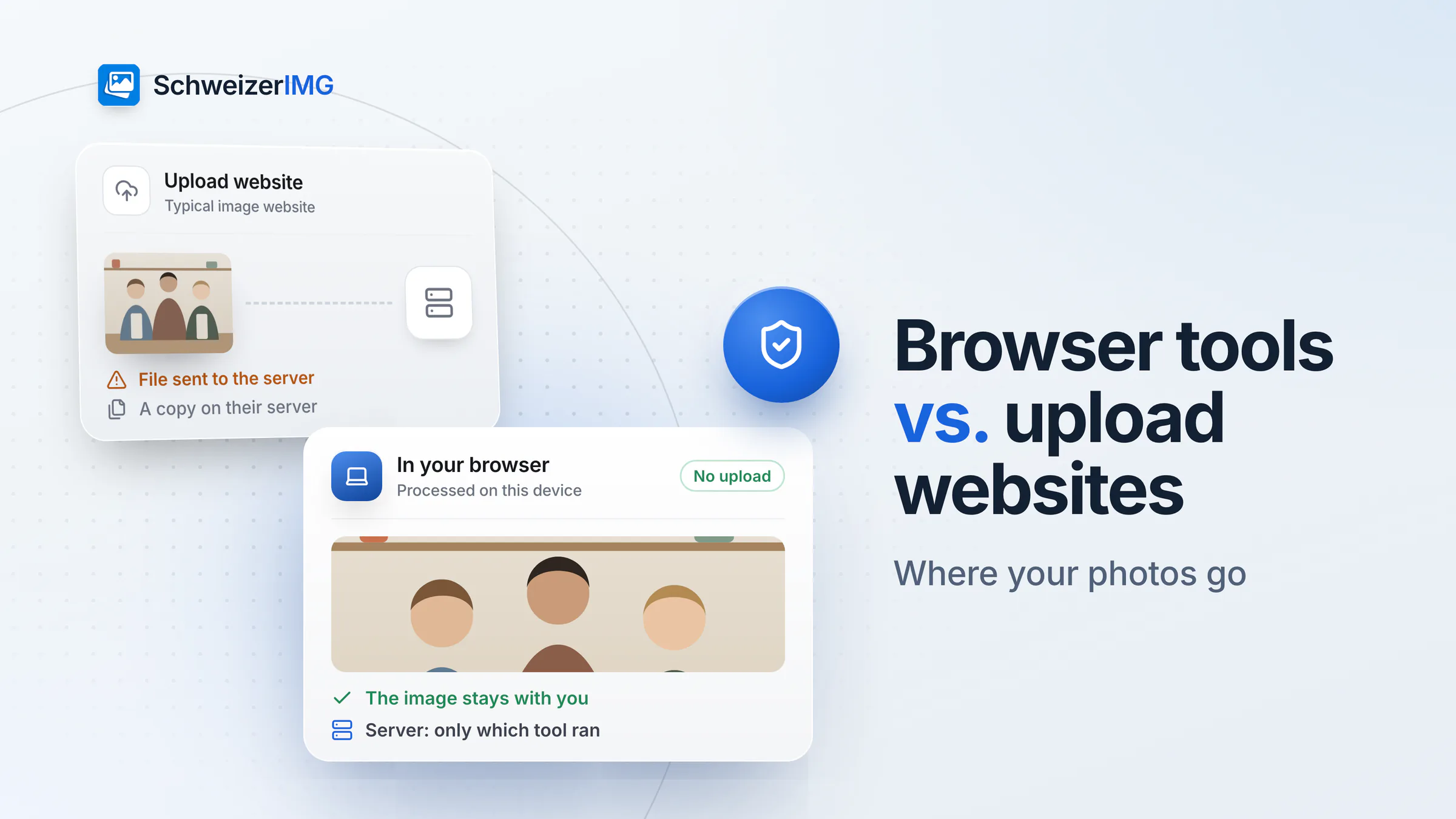
The engine works in your browser; the only request to our server names the tool, never the photo.
Hide what identifies the patient
Faces, tattoos or a name tag disappear under a box — irreversibly in the exported file.
Remove the hidden data
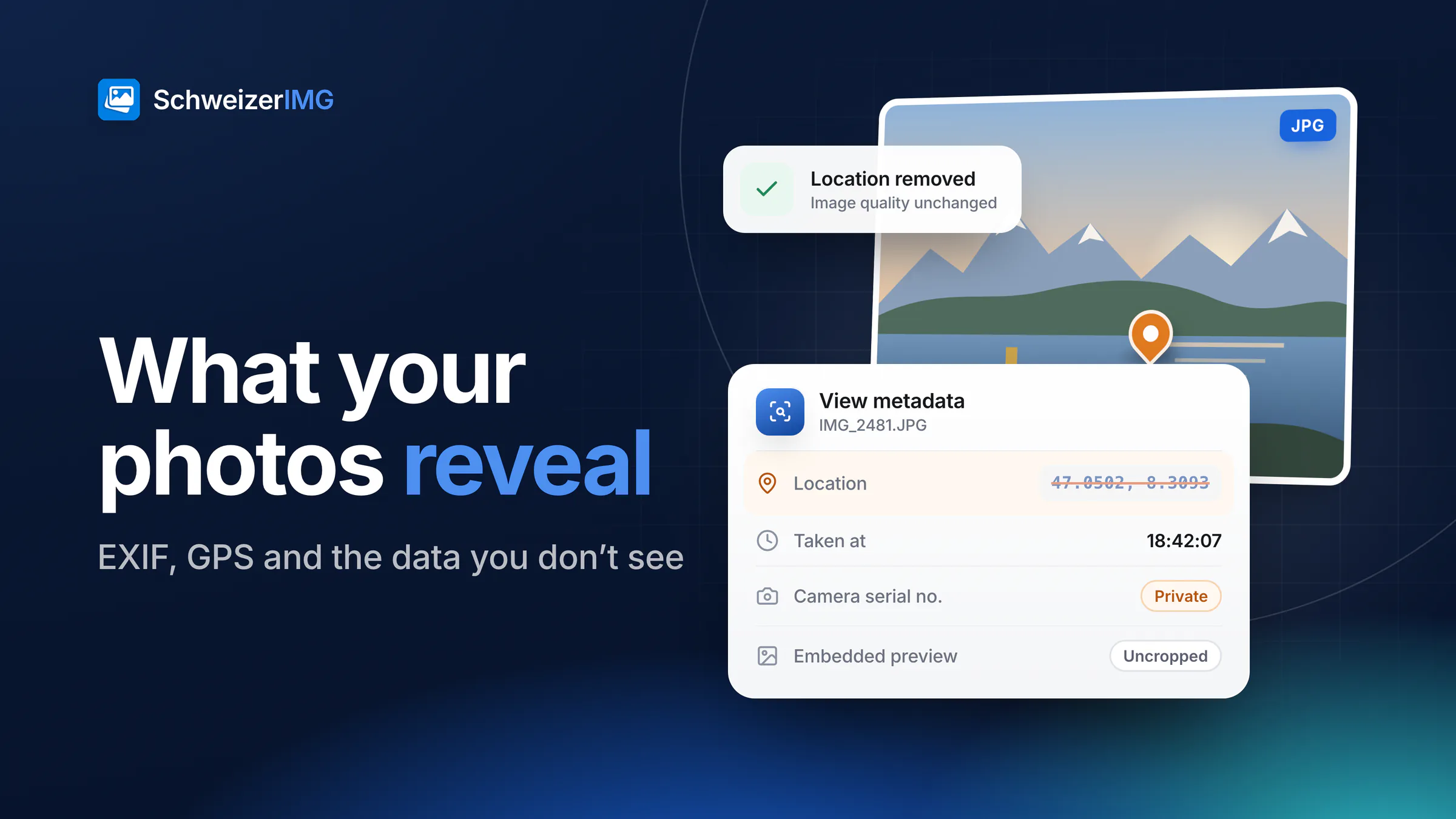
Location, device and date are removed without touching the image, and the report confirms it.
Small enough to send
Resize and compress to the size your secure channel accepts, with the saving shown.
Confidentiality, handled
Photos of patients are health data, which the FADP treats as sensitive personal data (Art. 5 let. c FADP), and many health professions are bound by professional secrecy (Art. 321 SCC). SchweizerIMG keeps the images out of everyone else's reach: they are processed in your browser, and we never receive them — no pixels, no file names, no sizes.
No disclosure to us. Photos are processed on your device and never transmitted. About your photos, the server only learns which tool ran and whether it finished.
No image analysis, no AI. The tools crop, compare, blur and clean files; any clinical assessment stays with you.
Originals under your rules. Blurring and metadata removal apply to the exported file; keep or delete the original by your practice's retention rules.
This page describes what SchweizerIMG does, not your legal obligations — consent, secure transmission and retention remain your practice's responsibility.
Pricing
Priced per account, not per patient. Choose by how many photos you document each month.
Free
CHF 0/ month
To try the tools on a few photos.
Start for freePro
RecommendedCHF 9/ month
When photos are part of every treatment.
Choose ProBusiness
CHF 29/ month
When long series and large files are routine.
Choose BusinessEvery plan processes your images on your device. Cancel any time.
FAQ
Read more
Free plan, no credit card, nothing to install on the practice computer.
30 operations a month free · Pro from CHF 9 / month · Cancel any time