Use cases
Preparing product photos for your online shop — in one batch
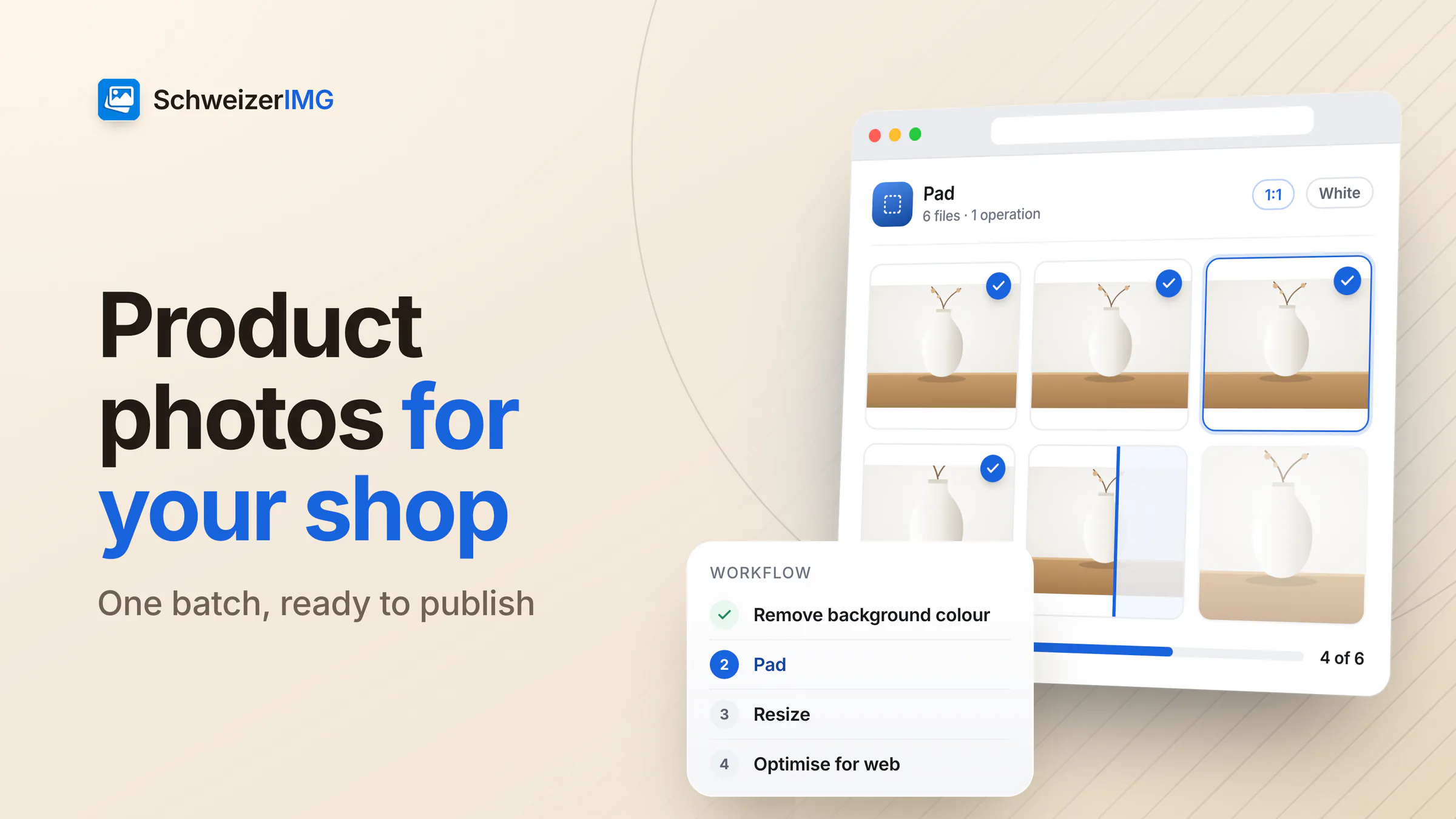
Square, on white, at the right size and without hidden metadata — a whole batch of product photos in a few runs.
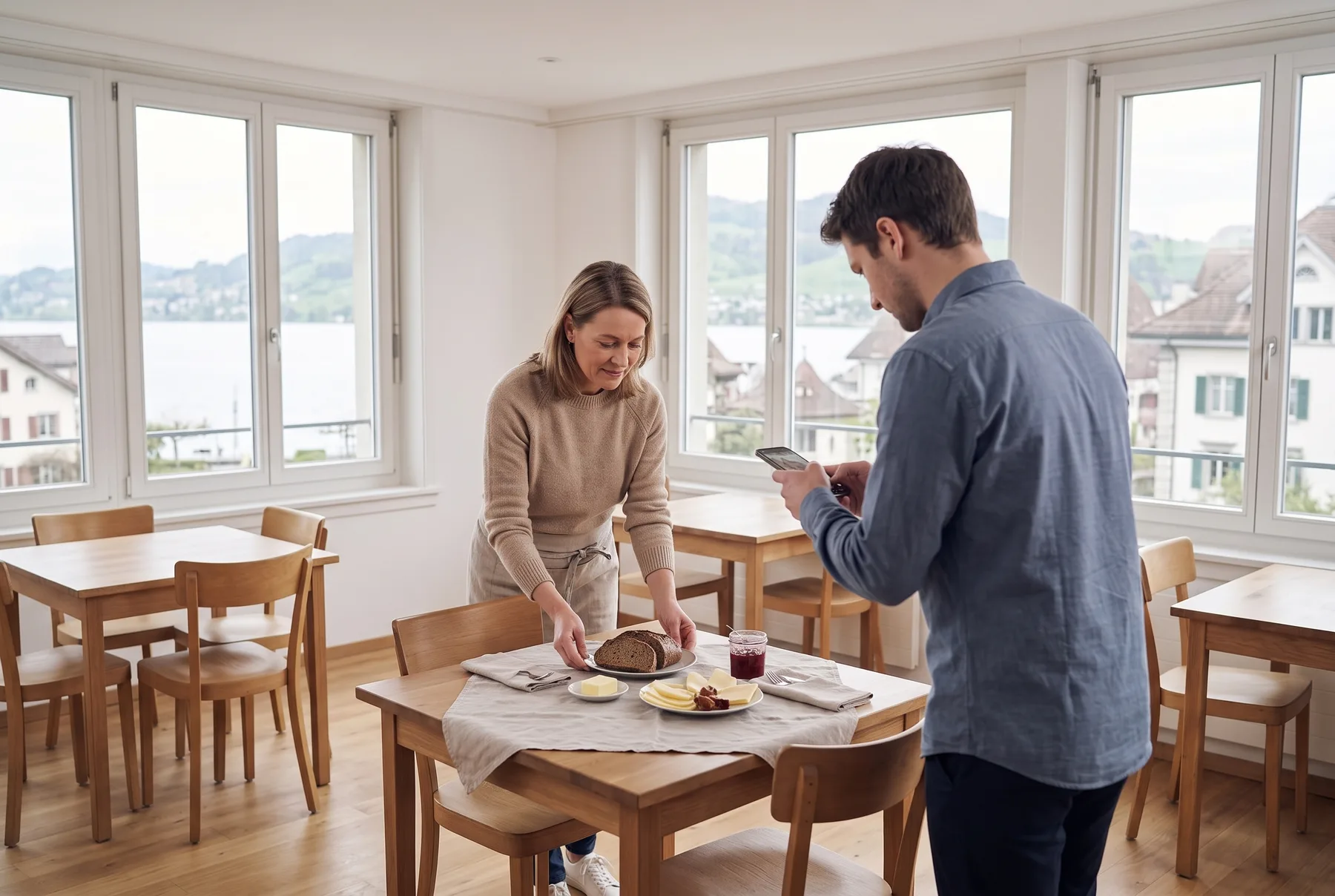
Room photos for the booking platforms, today's dish for social media, a menu that opens with a QR code: SchweizerIMG gets these pictures into shape in your browser — without an agency, and without uploading photos of your guests and team.
Built for
The daily reality
Four things every house knows — and what replaces each one.
Photos prepared between two services
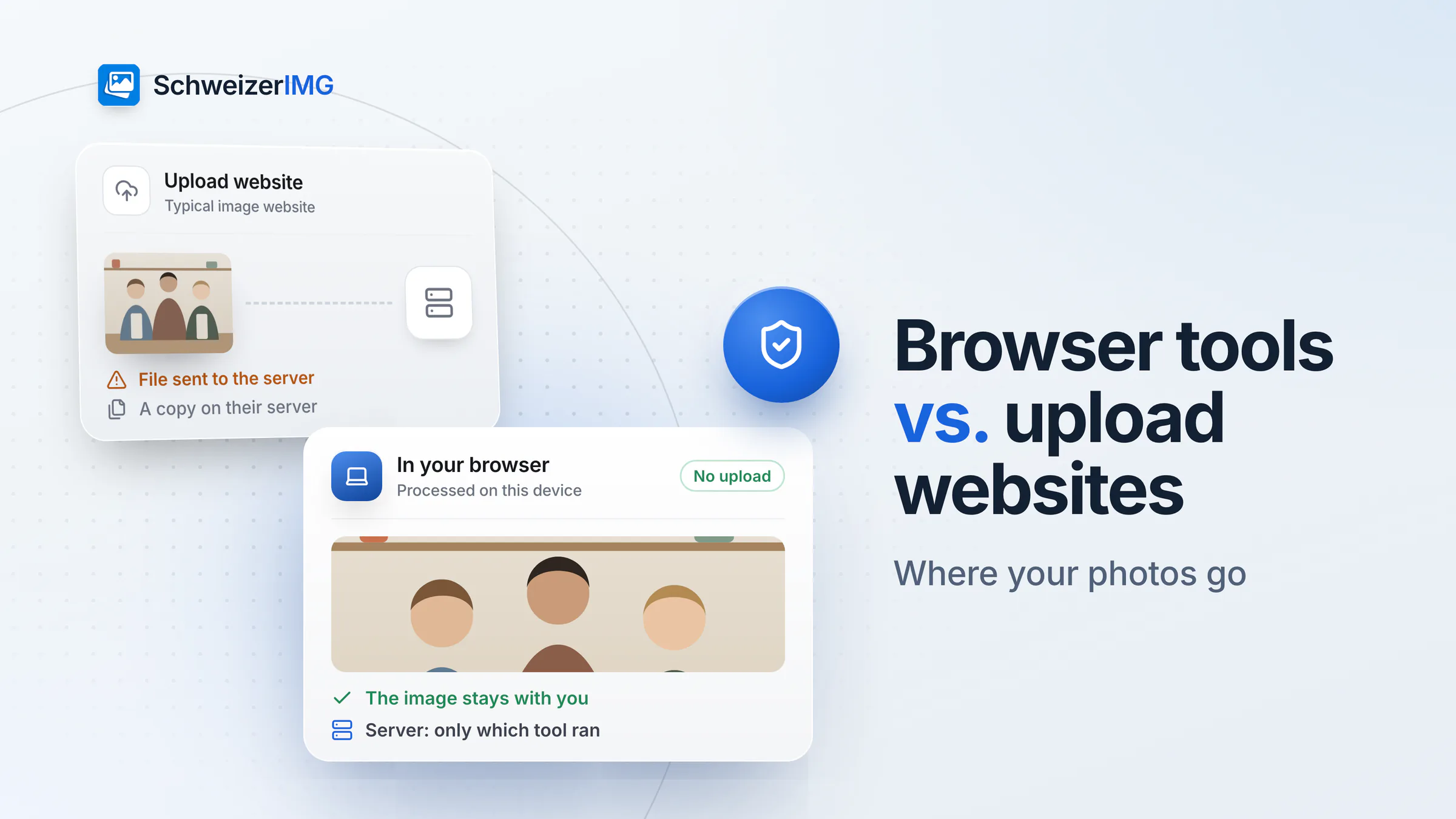
Whoever has a moment crops the room photo on a free website — uploading pictures of the house, the team and sometimes the guests.
The tools run in your browser. Photos stay on the reception computer.
Guests in the background
A wedding, a banquet, the full terrace: people who never agreed to appear on your website or Instagram.
Faces are hidden for good in the exported file — before the picture goes online.
Every platform, another format
Booking platforms, the website, the newsletter and social media each want their own size and proportions.
One photo, every format — resized, cropped or combined into a collage.
Menus that change, QR codes that don't
A printed QR code is only useful if it points to the right menu and the guest Wi-Fi works without typing.
QR codes for the menu, a review page or the guest Wi-Fi, ready to print.
Hospitality images
Often prepared between two services, by whoever has a moment.
Rooms, lobby, spa and terrace for the website and the booking platforms.
The daily special, the seasonal menu and the wine list, for the website and the table.
Square, portrait and story formats, plus collages of an evening or a weekend.
Weddings, banquets and conferences — often with guests who did not agree to be online.
Links to the menu, the guest guide or the Wi-Fi on table stands, key cards and posters.
Landscapes, excursions and partner offers, with the credit where it is due.
Each one runs in your browser, on one image or a whole batch. Tools marked “Pro” are part of the Pro and Business plans.
In practice
Photos from the phone
HEIC pictures from the iPhone become WebP or JPEG — converted on your computer, not on a website.
Guests stay unrecognisable
Draw a box over a face or a number plate in the car park; it is hidden for good in the export.
The right size for each channel
Booking platform, website, story: one photo, resized to each format in a single run.
The whole season at once
Compress the new series in one go, each file with its new size and saving.
Confidentiality, handled
A recognisable guest in a photo is personal data, and Swiss law protects a person's image as part of their personality (Art. 28 CC). Whether someone may appear online stays your decision. SchweizerIMG helps you show less — and never receives the pictures of your guests and team, because they are processed on your computer.
No upload, no storage. Photos are processed in your browser and never reach us. Results exist only in the open tab until you download them.
Faces hidden for good. Blurred or pixelated areas cannot be recovered from the exported file.
Wi-Fi codes with care. A Wi-Fi QR code contains the network password — use it for the guest network, not for the office or the till.
This page describes what SchweizerIMG does, not your legal obligations — please assess those with your own advisers, and ask before you publish.
Pricing
Priced per account, not per room. Choose by how often new pictures go online.
Free
CHF 0/ month
To refresh a few photos and print a QR code.
Start for freePro
RecommendedCHF 9/ month
When you post every week.
Choose ProBusiness
CHF 29/ month
When a new season means a whole new series.
Choose BusinessEvery plan processes your images on your device. Cancel any time.
FAQ
Read more
Free plan, no credit card, nothing to install on the reception computer.
30 operations a month free · Pro from CHF 9 / month · Cancel any time