Blog
What your photos reveal: EXIF, GPS and the data you don't see
Location, time, serial numbers and sometimes the uncropped original — what a photo file carries, and how to strip it before sharing.
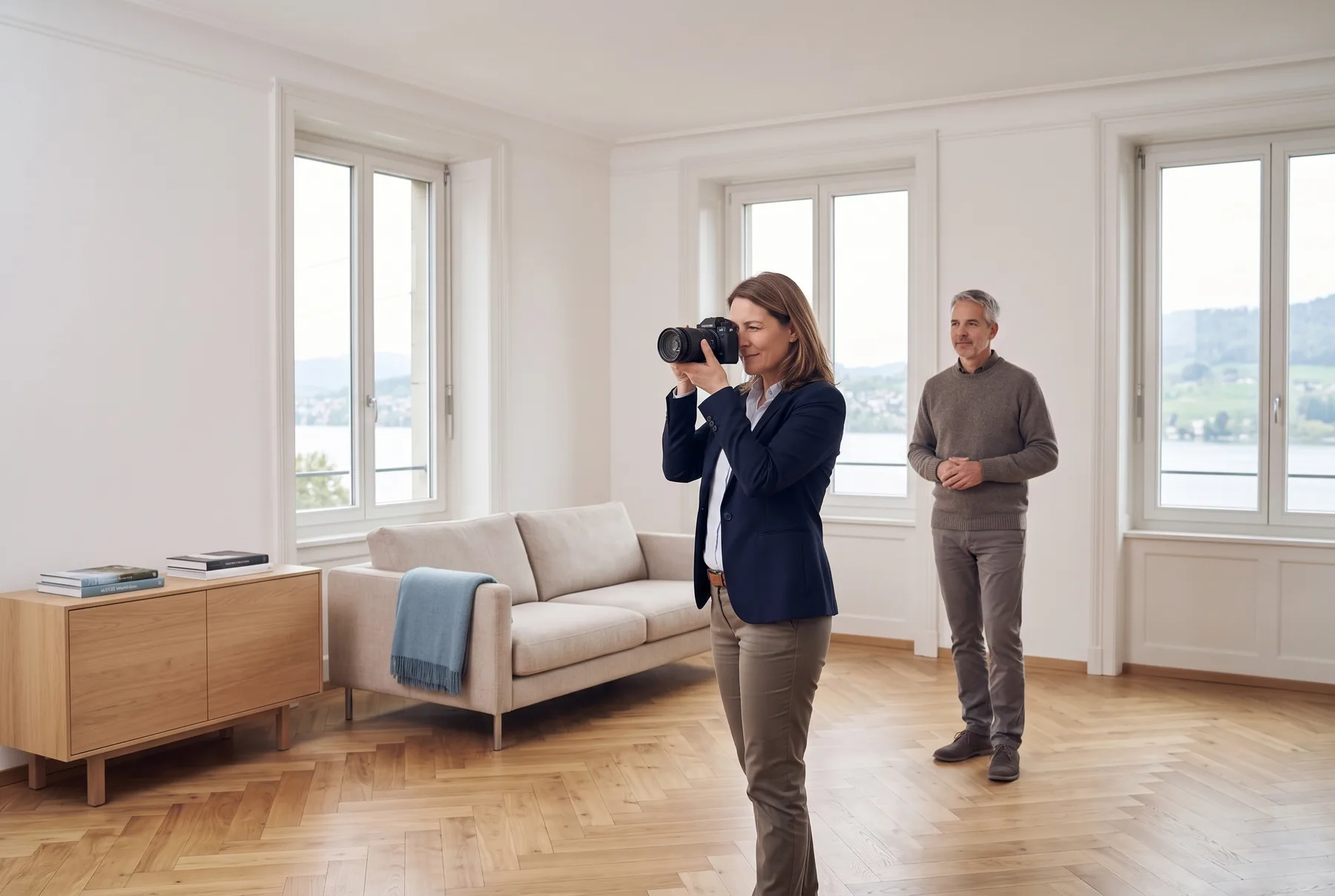
Agencies and property managers photograph homes that are lived in: family pictures on the wall, cars in the driveway, the exact location stored in every file. SchweizerIMG prepares listing photos in your browser — images of tenants' and owners' homes never reach our servers.
Built for
The daily reality
Four things every agency knows — and what replaces each one.
Free online editors
Photos of private homes uploaded to a site nobody in the office has checked — just to resize them for a portal.
The tools run in your browser. The photos stay on the office computer.
The address in the file
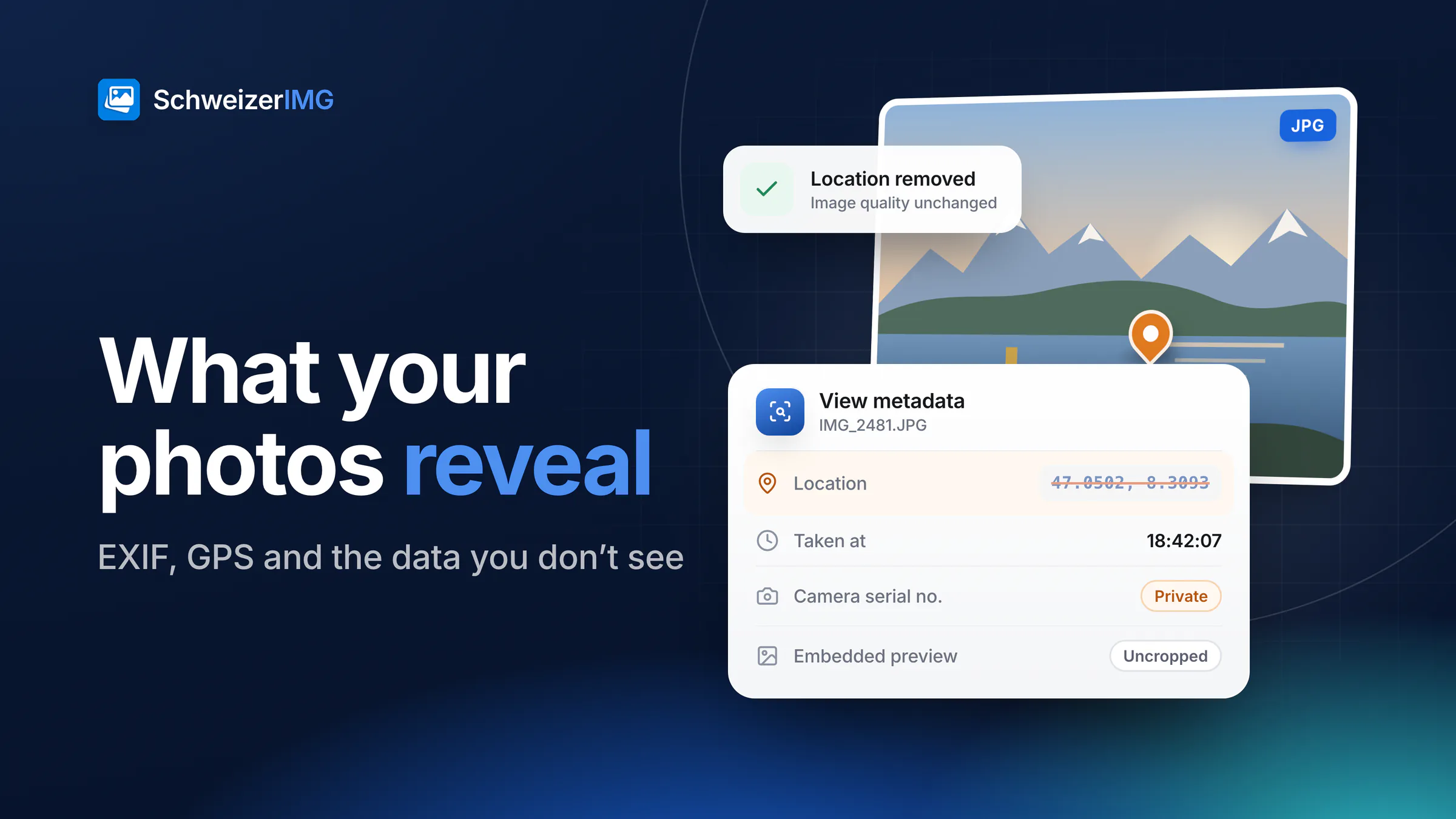
Smartphone photos store the exact coordinates of the home. Once the listing is online, anyone can read them.
Location and device data are removed without touching the pixels — and you can check the result.
Faces, plates and family photos
Tenants' pictures on the shelf, a neighbour in the garden, a car in front of the house: details nobody agreed to publish.
Draw a box and the area is hidden for good in the exported file.
Every portal, another size
Portals, brochures and the shop window all want different dimensions and file sizes — photo by photo.
A whole property in one run, at the size each channel expects.
Listing images
Many of them show private homes — and the people connected to them.
Living rooms, kitchens and bedrooms, often photographed while tenants still live there.
Façades, gardens and access roads — with neighbours, passers-by and parked cars.
Plans from architects or drawing software as SVG, needed as raster images for the portals.
Handover, damage and repair photos shared with owners, tradespeople and insurers.
Each portal has its own size and file limit; brochures and windows need other proportions.
Quick pictures from viewings, with GPS position and device data embedded in the file.
Each one runs in your browser, on one image or a whole batch. Tools marked “Pro” are part of the Pro and Business plans.
In practice
Photos from the viewing
iPhone pictures in HEIC become JPEG or WebP the portals accept — on the office computer, not on a converter website.
Hide what is private
Family photos, letterbox names, faces and number plates disappear under a box that cannot be undone in the export.
Remove the location
See what a photo gives away — position, camera, date — and remove it before the listing goes online.
Every photo, the portal's size
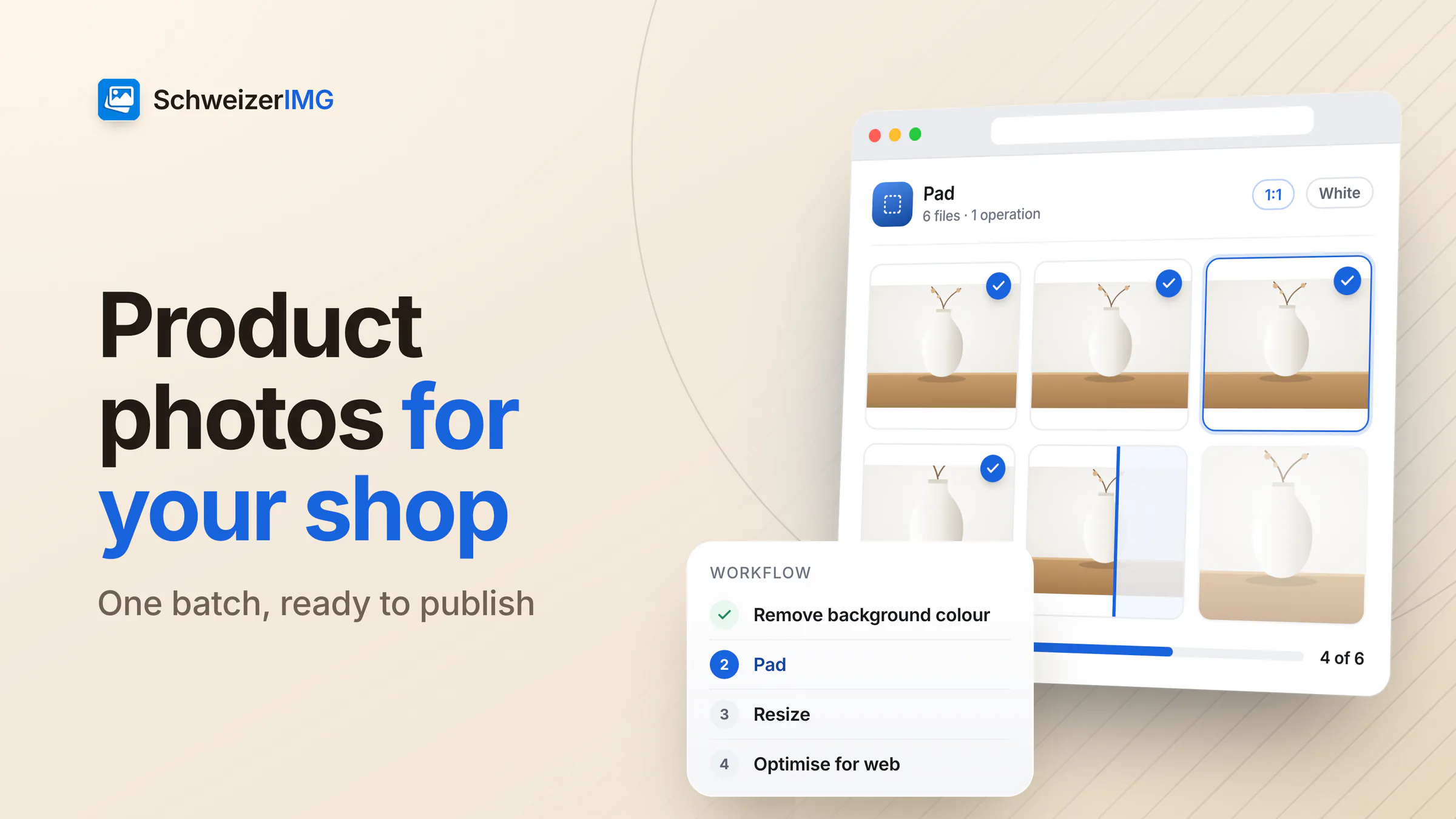
The whole property in one run: resized and compressed, each file with its new size and saving.
Confidentiality, handled
Photos of an occupied flat show how people live — and an identifiable person or their home can be personal data. Swiss law protects personality, including a person's image (Art. 28 CC), and the FADP covers personal data in photos. SchweizerIMG helps you show less: the images are processed on your computer and never sent to us.
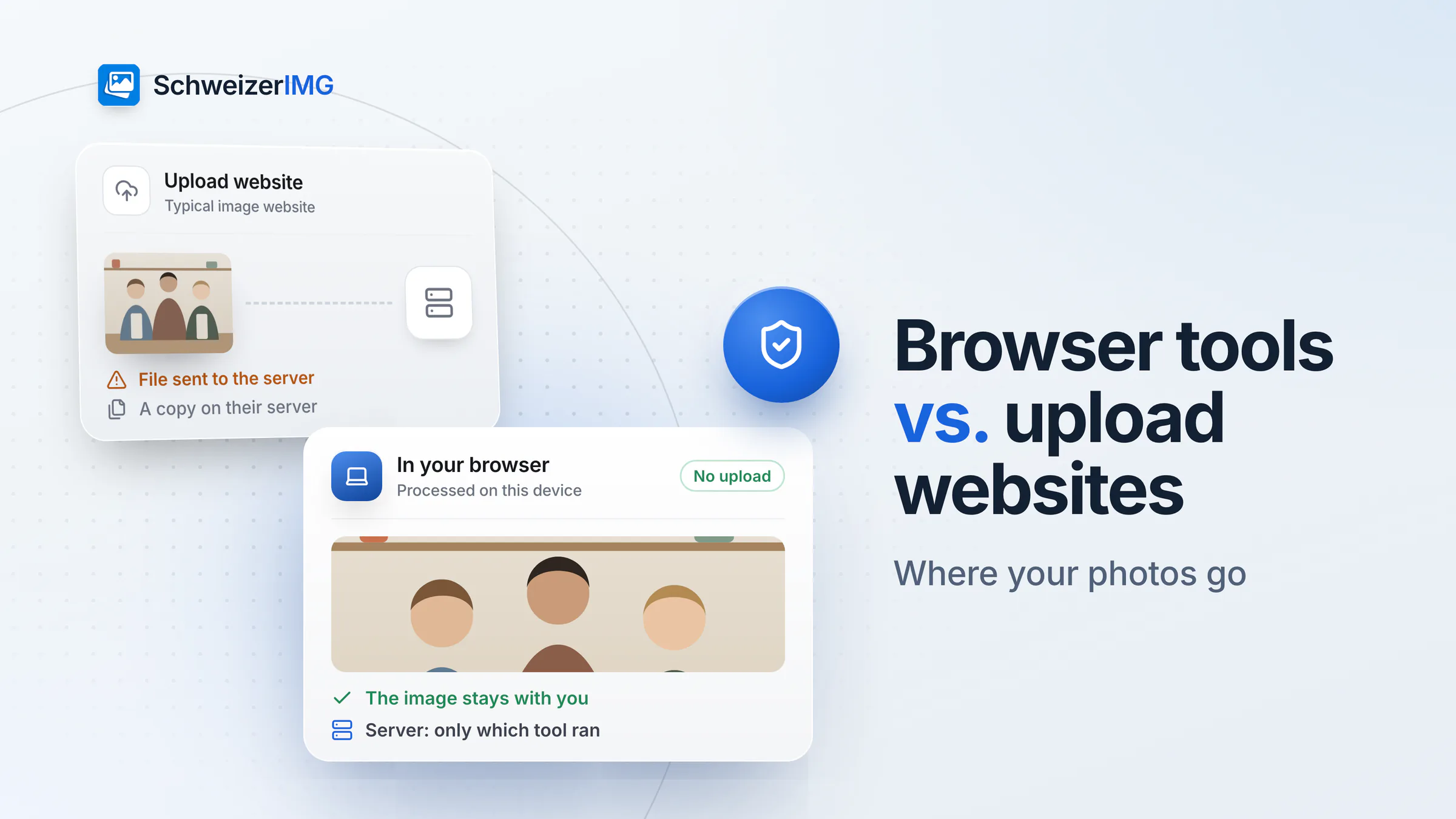
Nothing leaves the office. Photos are processed on your device. We never receive them — no address, no pixels, no file names.
Hidden for good in the export. Blurred or pixelated areas cannot be recovered from the exported file; the original on your disk stays as it was.
Check before you publish. The metadata report shows what a file still contains, so you can confirm that the location is gone.
This page describes what SchweizerIMG does, not your legal obligations — please assess those with your own advisers, and agree with tenants what may be shown.
Pricing
Priced per account, not per listing. Choose by how many properties you photograph each month.
Free
CHF 0/ month
To try the tools on one property.
Start for freePro
RecommendedCHF 9/ month
When new listings go online every week.
Choose ProBusiness
CHF 29/ month
When a whole portfolio is photographed at once.
Choose BusinessEvery plan processes your images on your device. Cancel any time.
FAQ
Read more
Free plan, no credit card, nothing to install on the office computer.
30 operations a month free · Pro from CHF 9 / month · Cancel any time