Comparison
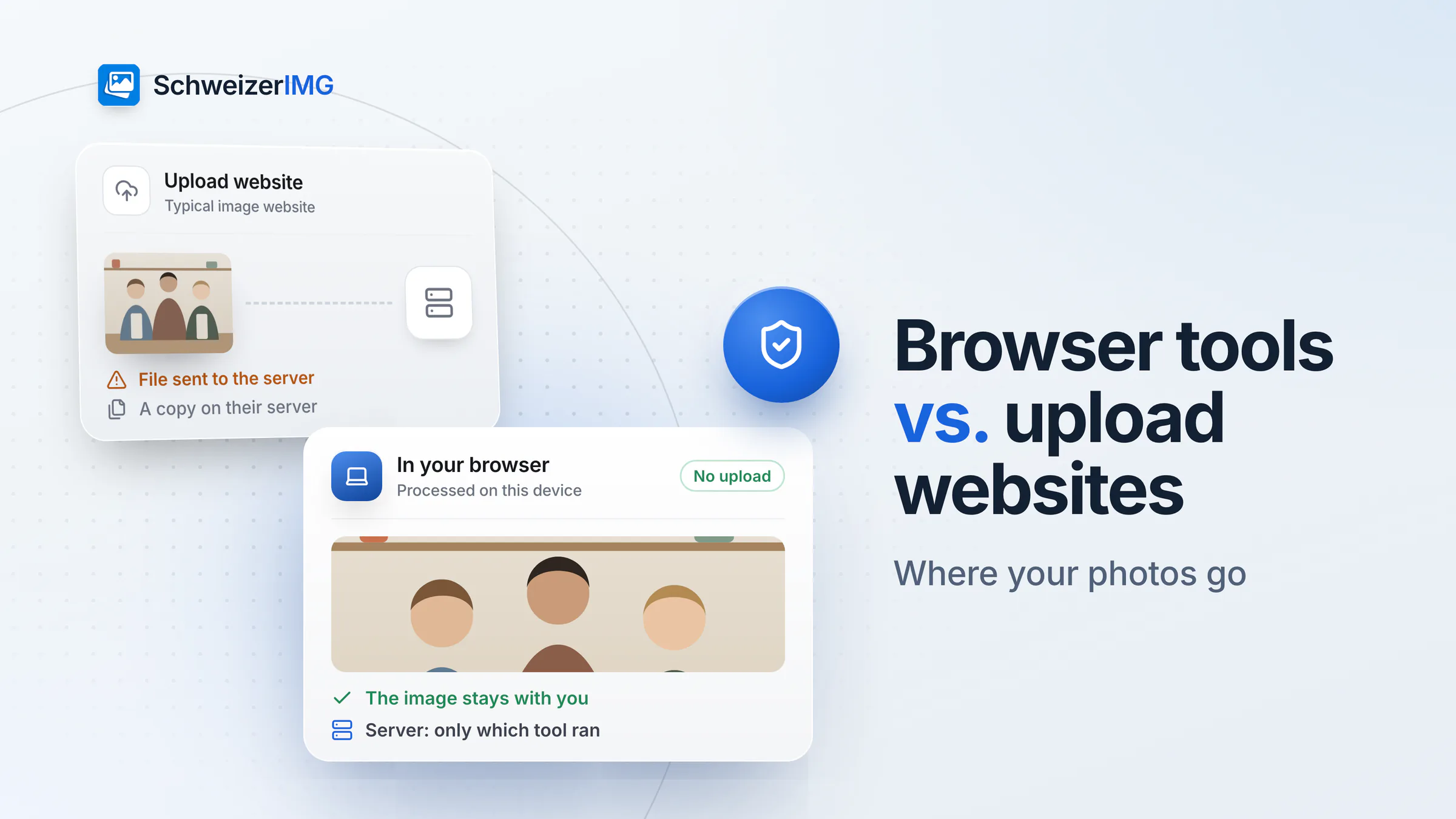
Image tools in the browser vs. uploading to an image website
Two architectures behind the same button: where your photos go, what the provider receives, and when each approach makes sense.
Unreleased campaigns, new logos, product launches: agencies work with material that is not public yet. SchweizerIMG does the everyday image work for websites and campaigns in your browser — nothing is uploaded, not even to us.
Built for

The daily reality
Four things every studio knows — and what replaces each one.
Converters you never agreed
A key visual uploaded to a free compressor the night before launch — a disclosure your client never signed off.
The tools run in your browser. Nothing leaves the studio, so there is nothing to disclose.
Heavy images, slow sites
Hero images straight from the designer weigh megabytes and slow down the site you just launched.
Responsive AVIF, WebP and JPEG sets with the matching HTML, from one source image.
Drafts that travel
Review rounds send unmarked visuals to clients, partners and printers — and some of them end up where they should not.
A discreet watermark on every draft, the same size and place on each image.
Software on every seat
A licence and an install for each freelancer and intern, just to resize and convert.
A browser is enough — the same tools on Windows, macOS and Linux, nothing to roll out.
Agency images
Much of it confidential until launch day.
Key visuals, ads and landing-page images that must not appear anywhere before the agreed date.
SVG logos, icons and brand graphics — often heavier than they need to be.
Hero images, team photos and illustrations that need responsive sizes and modern formats.
One motif in square, portrait and story format, plus grids and carousels.
Website and app screens for proposals, case studies and client presentations.
Large shoots that need credits written into the file and smaller versions for the web.
Each one runs in your browser, on one image or a whole batch. Tools marked “Pro” are part of the Pro and Business plans.
In practice
Assets stay in the studio
Every image is processed by the engine in your browser. The only request to our server names the tool — never the file.
Formats for the web
Convert to WebP or AVIF, or create a responsive set with the HTML to paste into the page.
Drafts with a watermark
Mark review versions with your studio's text or logo before they go to the client.
The whole delivery at once
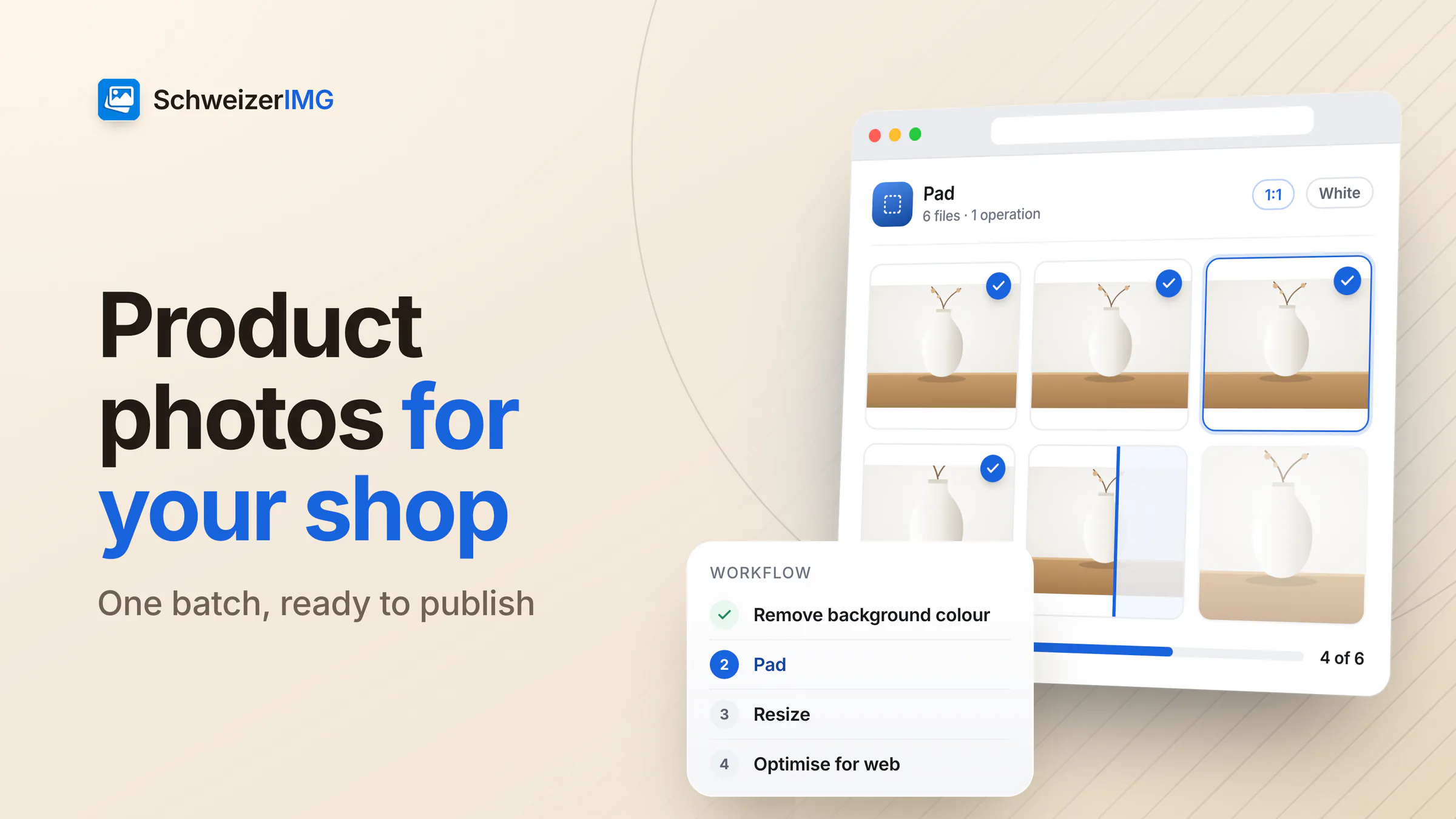
Resize and compress the final set in one run, each file with its new size and saving.
Confidentiality, handled
Clients often bind agencies to confidentiality agreements, and campaign photos show people whose image is protected (Art. 28 CC) and whose data falls under the FADP. SchweizerIMG does not add a party to that chain: the images are read, processed and saved on your computer, and our servers never receive them.
No third party in the loop. No upload, no server-side copy, no AI service — the server only counts which tool ran.
Exact, repeatable results. The same settings give the same output every time, which matters for client deliveries.
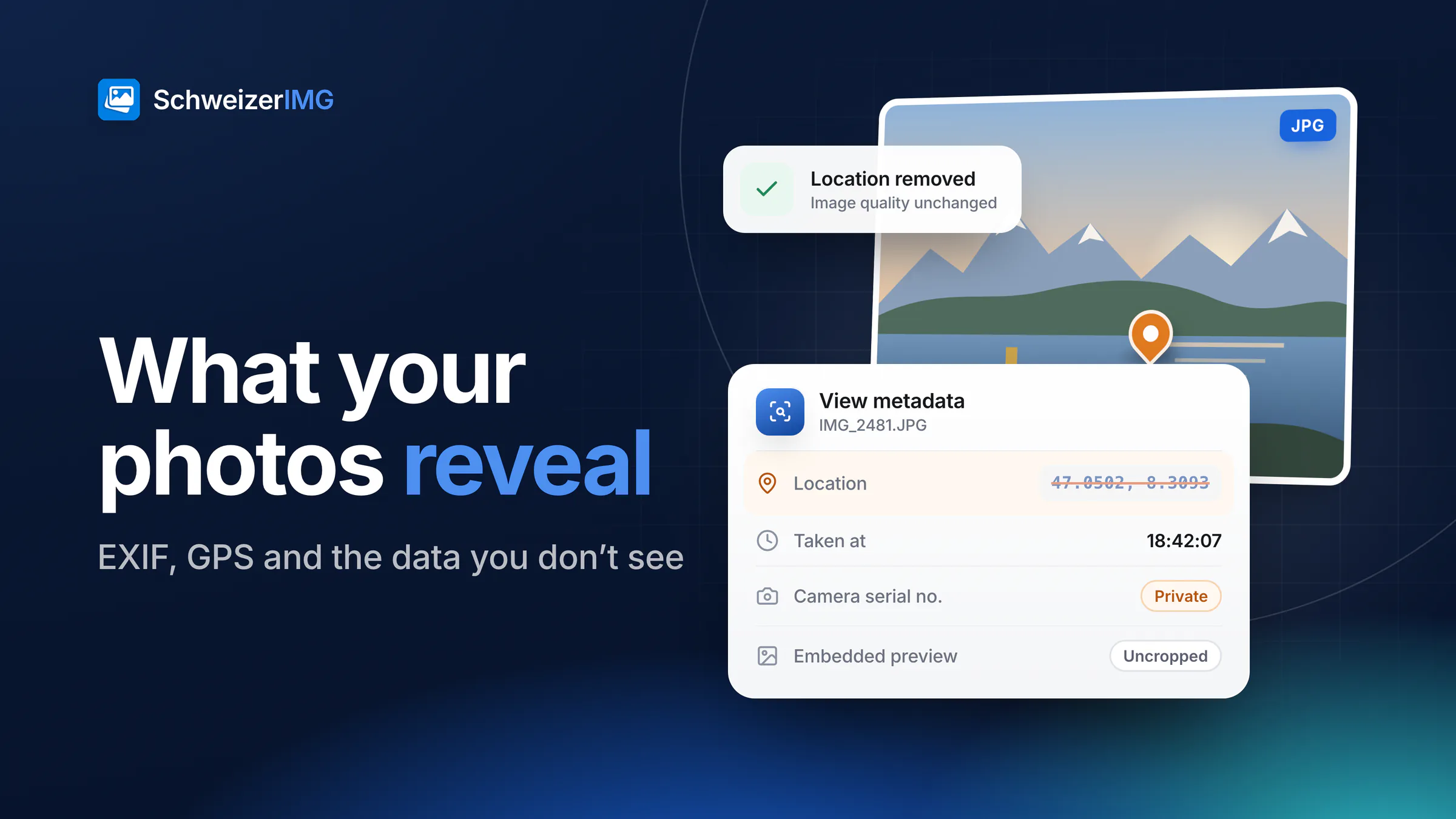
Credits in the file. Title, copyright and creator can be written into the image, so the photographer's credit travels with it.
This page describes what SchweizerIMG does, not your legal obligations — whether it meets a specific agreement is for you to assess.
Pricing
Priced per account, not per client. Choose by how much image work goes through your hands.
Free
CHF 0/ month
To try the tools on one project.
Start for freePro
RecommendedCHF 9/ month
For the designer who ships sites every week.
Choose ProBusiness
CHF 29/ month
For heavy deliveries and large shoots.
Choose BusinessEvery plan processes your images on your device. Cancel any time.
FAQ
Read more
Free plan, no credit card, nothing to install. Try it on your next delivery.
30 operations a month free · Pro from CHF 9 / month · Cancel any time