Blog
What your photos reveal: EXIF, GPS and the data you don't see
Location, time, serial numbers and sometimes the uncropped original — what a photo file carries, and how to strip it before sharing.
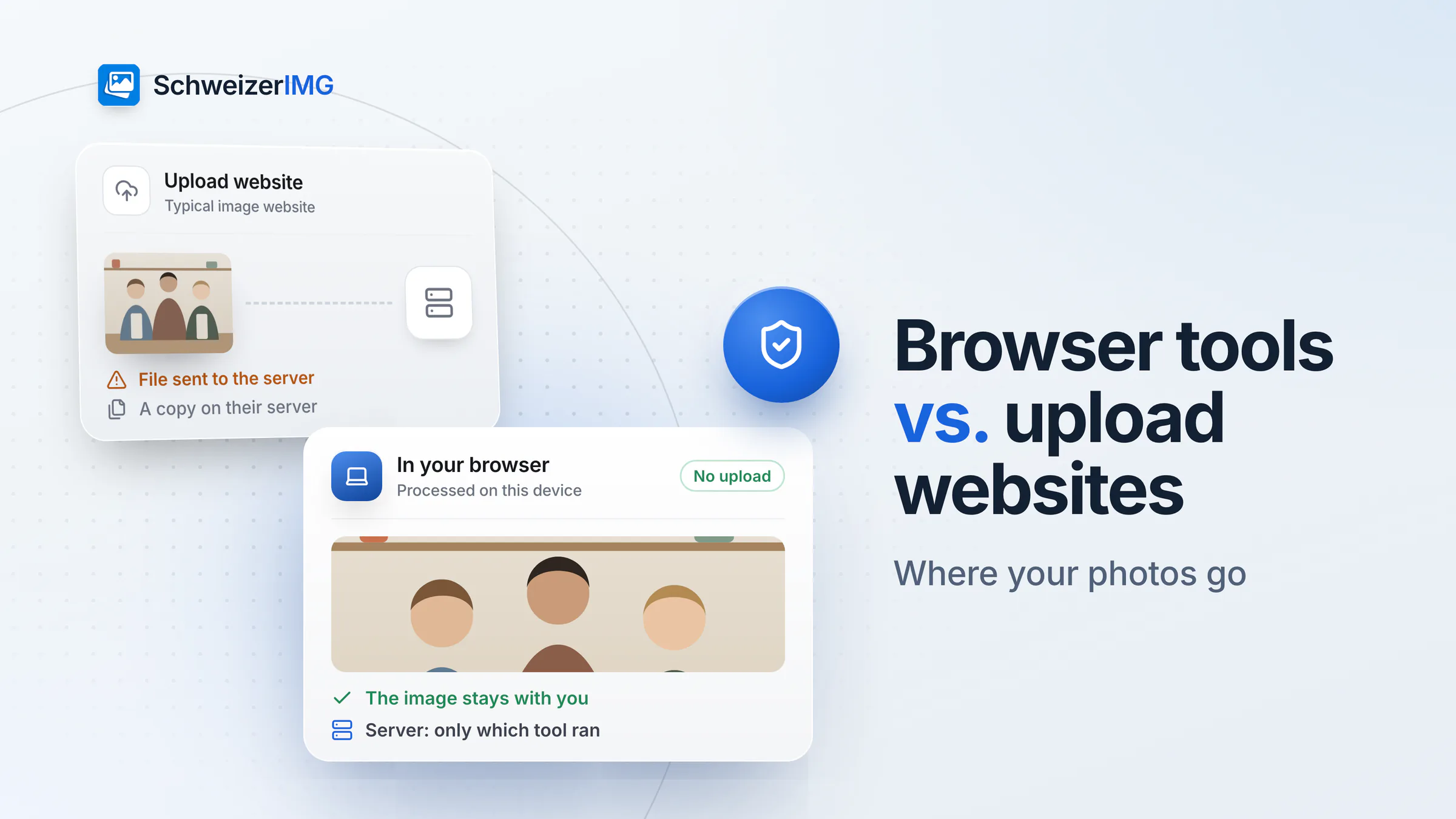
Press offices, corporate communications and newsrooms handle pictures before anyone else may see them: announcements under embargo, portraits of executives, photos from people who need protecting. SchweizerIMG prepares them in your browser — nothing goes to an online editor you do not control.
Built for
The daily reality
Four things every communications team knows — and what replaces each one.
Embargoes and online tools
An announcement image resized on a free website hours before the embargo lifts — on a server nobody checked.
The tools run in your browser. Nothing leaves the newsroom before you publish.
Files that reveal their source
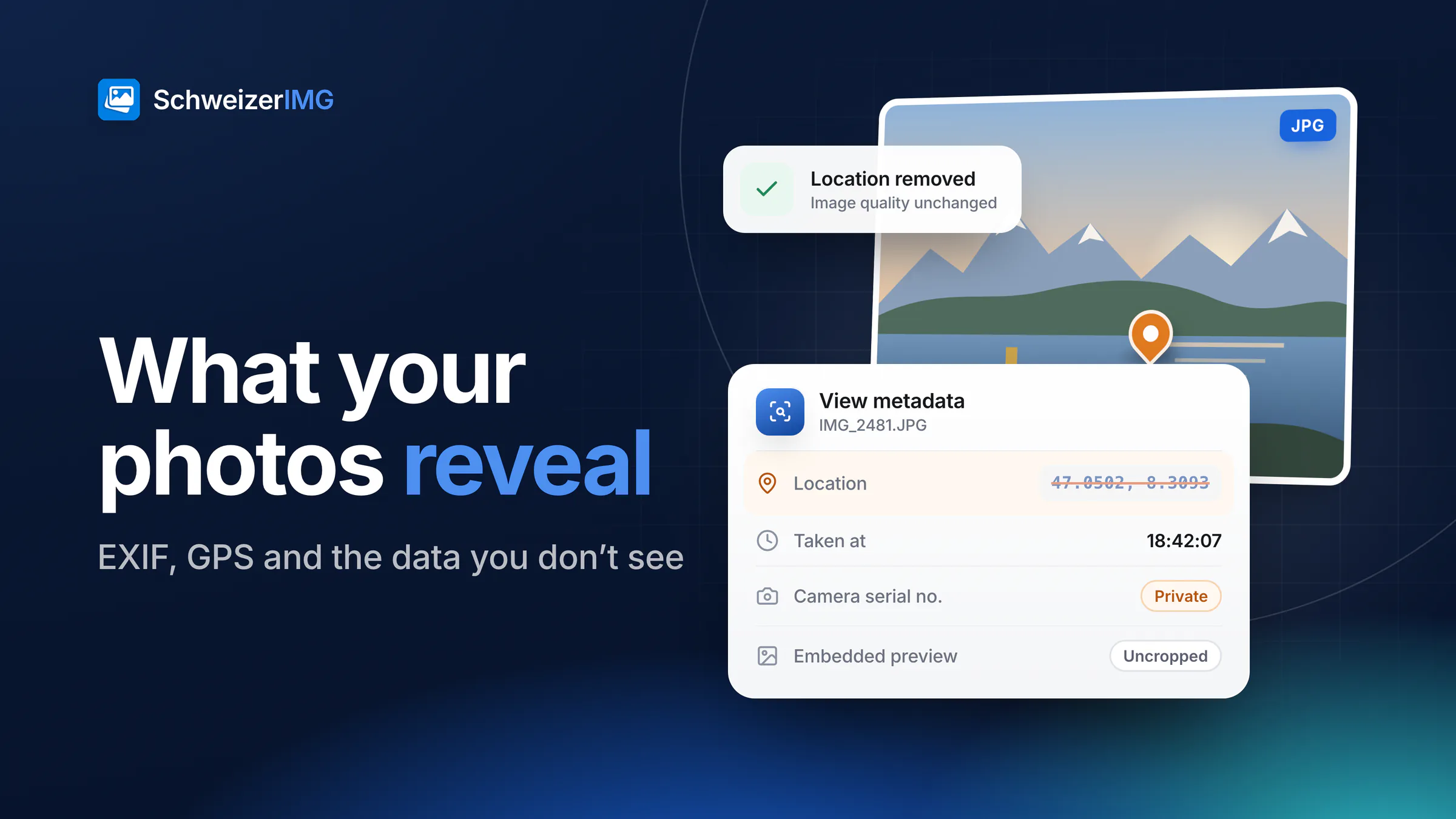
GPS position, camera serial number and editing history can point to who took a picture, and where.
See exactly what a file contains, then remove it without re-encoding the image.
Bystanders in the frame
Faces in a crowd, a number plate, a document on a desk — details that should not be in the published picture.
Draw a box, and the area is hidden for good in the exported file.
Credits that get lost
Photographer and copyright noted in an e-mail, not in the file — and gone after the first forward.
Title, copyright and creator written into the image itself.
Press images
Many are time-sensitive, some are confidential, all need correct credits.
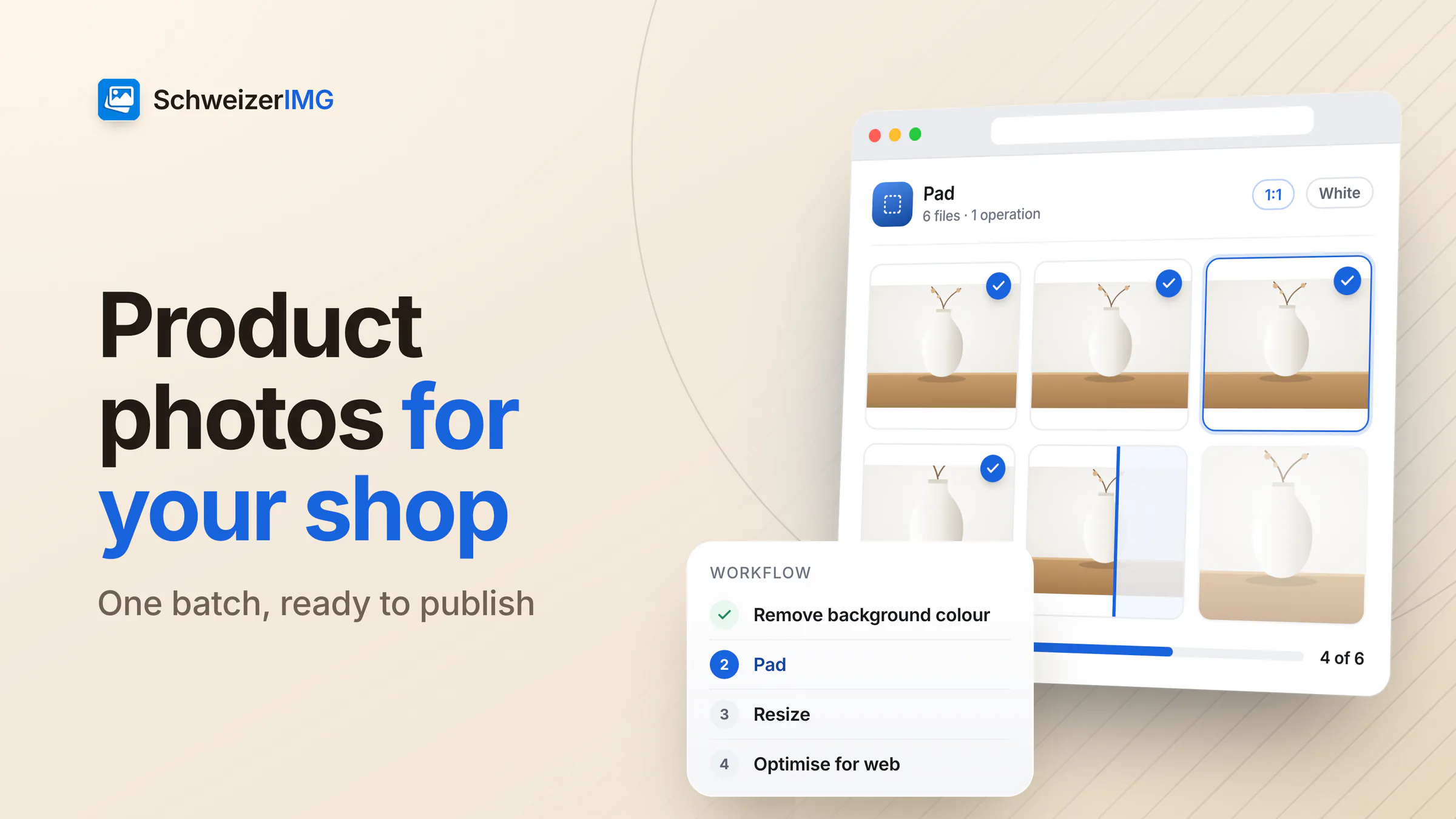
Images for media releases and the newsroom, high resolution for print, smaller for online.
Executives, spokespeople and new hires, with the photographer's credit and terms.
Product images and announcements that must not leak before the agreed time.
Photos sent to the editorial team that may reveal where and by whom they were taken.
Frames and short animations from interviews and events for articles and social media.
Websites and posts captured for articles, fact checks and reports.
Each one runs in your browser, on one image or a whole batch. Tools marked “Pro” are part of the Pro and Business plans.
In practice
Nothing leaves the newsroom
The engine processes every picture in your browser; the only request to our server names the tool, never the file.
Remove what identifies the source
The report shows location, serial numbers and history; remove them in one click and check the result.
Protect bystanders
Faces, number plates and documents in the background are pixelated irreversibly in the export.
Credit and mark the release
Write the credit into the file and add a visible watermark to preview versions.
Confidentiality, handled
Swiss law protects journalists' sources (Art. 28a SCC), and the Swiss Press Council's journalists' code asks for respect of privacy. A photo's metadata can undo both. SchweizerIMG lets you see and remove it on your own computer — the images are never sent to us.
No upload before the embargo lifts. Images are processed in the browser and never reach us. Only the fact that a tool ran is recorded — never anything about the file.
Metadata, checked and removed. Location and device data are removed without re-encoding; the report confirms what is left.
Hidden for good in the export. Pixelated areas cannot be recovered from the exported file; the original stays unchanged on your disk.
This page describes what SchweizerIMG does, not your legal or editorial obligations — please assess those yourselves.
Pricing
Priced per account, not per picture. Choose by how much passes through your hands.
Free
CHF 0/ month
To check and clean a few photos.
Start for freePro
RecommendedCHF 9/ month
For daily press work.
Choose ProBusiness
CHF 29/ month
For large shoots and long clips.
Choose BusinessEvery plan processes your images on your device. Cancel any time.
FAQ
Read more
Free plan, no credit card, nothing to install. Try it on the next release.
30 operations a month free · Pro from CHF 9 / month · Cancel any time