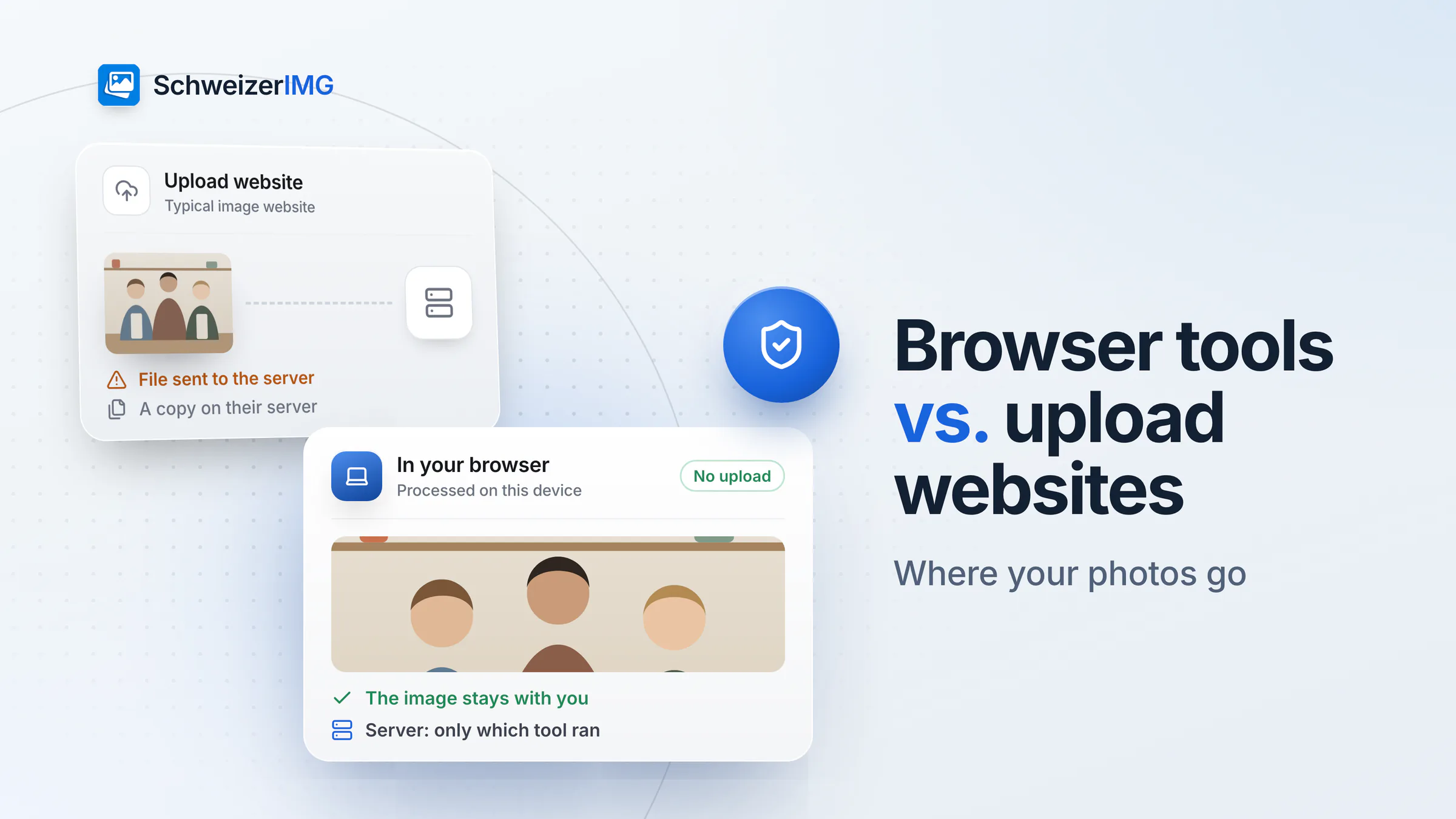
Online image tools look alike: drop a photo, choose a setting, download the result. Behind that button, however, there are two very different architectures. Which one a tool uses decides where your images go — and that matters more than any feature list when the pictures show unpublished products, people or places.
The short answer: you can edit images without uploading them when the tool processes the file in your browser instead of on a server — and you can check that yourself in a minute. This comparison describes the approaches in general. It does not assess any specific provider: terms, retention periods and server locations differ between services and change over time, so check them for any service you consider.
How online image tools work: two architectures
Upload-based image websites
The image is sent to the provider's servers, processed there and offered for download. In detail, that involves several steps:
- Transfer. The full file — pixels and metadata such as GPS location or camera serial numbers — travels over the internet to the provider.
- Server processing. The provider's software decodes and processes the image on its own infrastructure, sometimes with the help of further services.
- Temporary storage. Originals and results are kept on the server at least until you have downloaded them, sometimes longer.
- Retention policies. How long files are kept, who may access them and whether they are used for other purposes is set in the provider's terms — you have to trust that they are followed.
- Jurisdiction. Where the provider and its servers are located decides which laws and authorities can also reach your files — not necessarily Swiss ones alone.
Browser-local image tools (SchweizerIMG)
The processing code is delivered to your browser and runs there. SchweizerIMG uses image codecs compiled to WebAssembly and runs them in Web Workers, background threads of your browser. The image is read from your disk, processed in memory and saved back to your disk. Our server delivers the application and counts operations — per run it learns which tool ran and whether it finished, never anything about the files.
This is not only a promise. The page's Content Security Policy contains connect-src 'self', which tells your browser to block the page's scripts from connecting to any other server. And you can check it yourself: open your browser's developer tools, switch to the network tab and run a tool — you will see no image data leaving the page.
Side by side
| Upload-based website | Browser-local (SchweizerIMG) | Desktop software | |
|---|---|---|---|
| Where the image is processed | On the provider's servers | In your browser, on your device | On your device |
| What the provider receives | The file, its name, its pixels and its metadata | Your account, which tool ran and our own visit statistics — no file data | Depends on the software (licence checks, telemetry) |
| Retention of your images | According to the provider's terms | None on our side; the result is your download | Wherever you save it |
| Where the images are kept | On the provider's servers, wherever they are located | Only on your device — the images stay with you | On your device |
| Works offline after loading | No | No — sign-in and operation counting need a connection | Usually yes |
| Speed | Depends on upload and download bandwidth and on server load | Depends on your device's processor and memory; no transfer time | Depends on your device |
| Large batches | Limited by upload volume and server limits | Limited by your device's memory (processed memory-aware) | Limited by your device |
| AI features (background removal, upscaling) | Often available | Deliberately none; backgrounds are removed by colour | Depends on the software |
| Installation | None | None | Installation and updates on every machine |
Desktop software as a third option
Installed image editors also process locally, and for heavy daily editing they are often the right tool. The trade-off is administration: every machine needs an installation, licences and regular updates, and some programs synchronise files to a cloud or send usage data by default. Browser-local tools sit in between — local processing like desktop software, nothing to install like a website.
Upload or local: it depends on the image
When an upload tool is perfectly fine
For images that are public anyway — a photo already on your website, a published press picture, a stock image you have licensed — where the processing happens matters little. If a specific AI feature such as automatic background removal of a complex scene is what you need, an upload-based service may be the practical choice for exactly those images.
When local processing matters
- Unpublished products. Photos of items before launch or of collections not yet announced — see preparing product photos for your online shop.
- People. Pictures in which employees, guests, children or customers can be recognised are personal data under the FADP (nDSG); passing them to further service providers should be limited to what is needed — see photos of people in Switzerland.
- Patient photos. Images from practices and clinics are subject to professional secrecy — see SchweizerIMG for healthcare.
- Client assets under NDA. Agencies and photographers often may not pass client material to further service providers — see SchweizerIMG for agencies.
- Location data. Removing GPS coordinates by uploading the photo means handing over the coordinates first — see what your photos reveal.
Honest limits of local processing
- Your device does the work. Very large images or big batches take longer on an older laptop or phone, and images of very many megapixels may not fit into a phone's memory — see large images and memory.
- Browser support matters. A current browser is needed; video tools additionally need WebCodecs — see supported browsers.
- HEIC only in Safari. SchweizerIMG has no HEIC decoder of its own; iPhone photos in HEIC open only in Safari, which decodes them itself — see iPhone photos (HEIC).
- No AI. Background removal works by colour and is best on even backgrounds; there is no AI upscaling or object removal.
- You still need an account. Plans and limits live on our server, so signing in requires a connection. What the account contains is described on the security page.
How to verify a browser-local tool yourself
- 1
Open the developer tools
In most browsers with F12 or via the menu (“More tools” → “Developer tools”), then choose the Network tab.
- 2
Run a tool
Process an image as usual and watch the requests that appear.
- 3
Check what was sent
With SchweizerIMG you will see only small requests to our own domain that record the start and end of an operation — no image data, no file names. The details are in where your images are processed.
Editing images without uploading: how to choose
Ask one question first: does this image have to leave my device for the task at hand? For resizing, compressing, converting, cropping, watermarking or removing metadata, the answer is no. For those tasks, a browser-local tool gives you the same result without creating a copy elsewhere.
Frequently asked questions
Can I edit images online without uploading them?
Yes, if the tool runs in your browser. The page itself still loads from a server — and SchweizerIMG needs an account — but the image is read, processed and saved on your device. The network tab of your browser's developer tools shows whether any image data leaves the page.
Is a browser-local tool slower than an upload website?
Not necessarily. There is no upload or download time, so small and medium images can be done sooner. Speed depends on your device's processor and memory: a big batch takes longer on an older phone than on a recent laptop.
Does a browser-local image tool work offline?
SchweizerIMG does not: signing in and counting operations need a connection. The connection carries only account and usage data — the images themselves are never transferred.
Does local processing protect against everything?
No. It keeps images away from a provider's servers, but it cannot protect a compromised device or a malicious browser extension, and once you send the result to someone, they hold a copy. Keep your browser and system up to date and install only extensions you trust.
Try it with your own images
See all tools, check what each plan includes on the pricing page or create a free account.
General information
This page is general information and marketing content, not legal advice. It simplifies the Swiss Federal Act on Data Protection (FADP / nDSG); for a decision about your own situation, please consult a qualified professional.