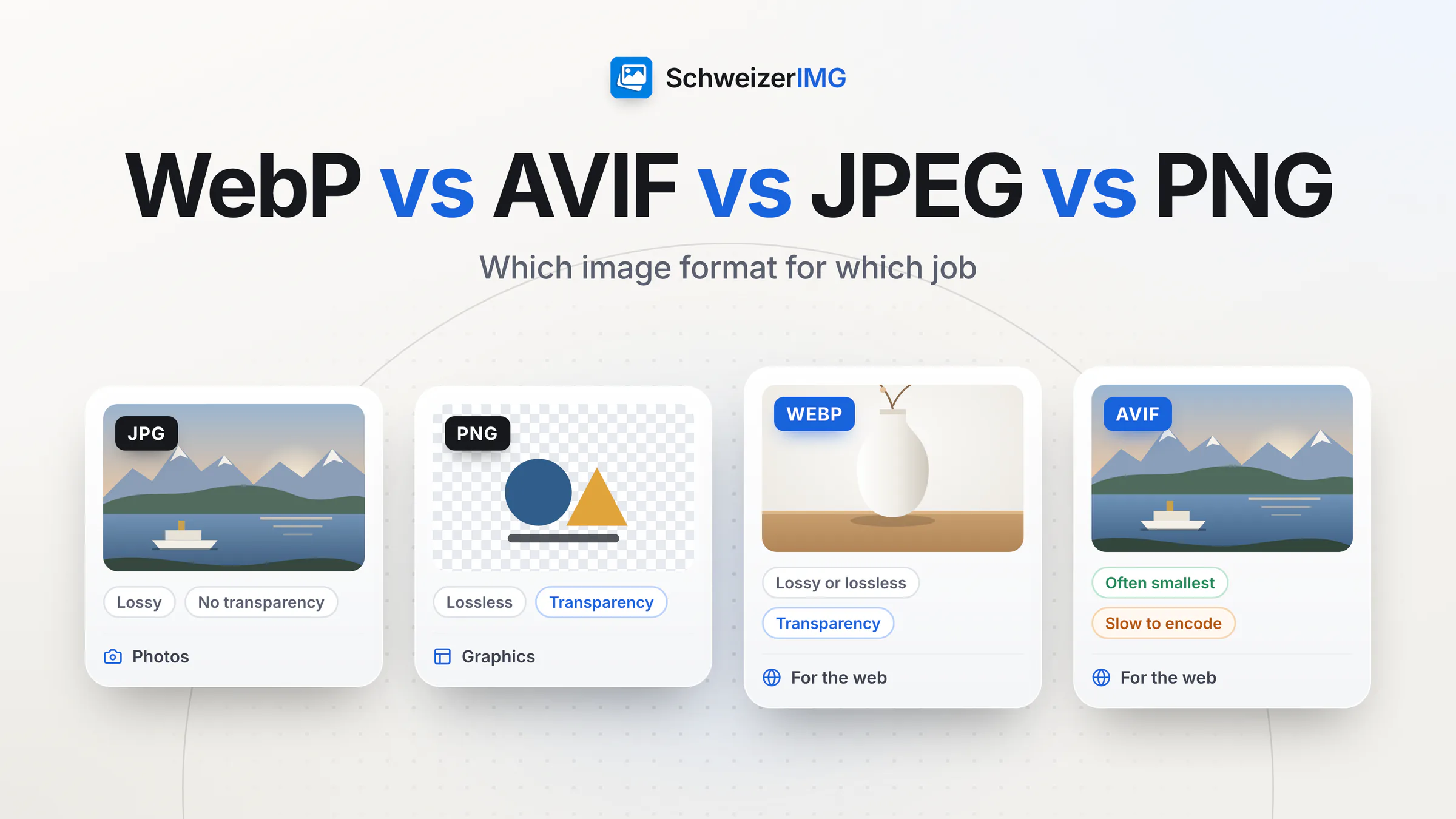
In short: JPEG is the universal format for photos, PNG the lossless format for screenshots, logos and graphics with sharp edges, WebP a modern all-rounder that is usually smaller than both and works in all current major browsers, and AVIF the format that often compresses photos the most but takes longer to encode. On a website, offer AVIF or WebP with a JPEG or PNG fallback; for e-mail, print shops and other software, JPEG and PNG remain the safe choice.
This comparison explains how the four formats differ — compression, transparency, animation, colour depth, compatibility and speed — touches on GIF, SVG, HEIC and JPEG XL, and ends with a decision guide. It describes the formats in general: actual file sizes always depend on the image and the settings.
WebP, AVIF, JPEG and PNG at a glance
| JPEG | PNG | WebP | AVIF | |
|---|---|---|---|---|
| Compression | Lossy | Lossless | Lossy or lossless | Lossy or lossless |
| Transparency | No | Yes | Yes | Yes |
| Animation | No | Yes (APNG) | Yes | Yes |
| Colour depth | 8 bits per channel | Up to 16 bits per channel | 8 bits per channel | 8, 10 or 12 bits per channel |
| Browsers | Universal | Universal | All current major browsers | Current versions of the major browsers |
| Other software and services | Practically everywhere | Practically everywhere | Widespread, not everywhere | Growing, not everywhere |
| Encoding speed | Fast | Fast to moderate | Fast to moderate | Slow |
| Typical use | Photos for any purpose | Screenshots, logos, graphics | Websites and shops | Websites where every kilobyte counts |
Lossy or lossless: how the formats compress
Lossy compression discards detail the eye is unlikely to miss; lossless compression keeps every pixel exactly and only packs the data more cleverly. Which one suits an image depends on its content:
- JPEG divides the image into small blocks and stores them with less precision. Photos compress well; sharp edges and text get soft halos, and at low quality the blocks become visible.
- PNG stores every pixel exactly. Ideal for flat colours, text and interface screenshots — for photos, the files become many times larger than a JPEG.
- WebP grew out of a video codec and has a lossy and a lossless mode. Lossy WebP is usually smaller than JPEG at the same visible quality; lossless WebP is usually smaller than PNG.
- AVIF is based on the AV1 video codec. It often produces the smallest photo files, especially at low file sizes; under very strong compression it tends to smooth fine textures rather than show blocks.
SchweizerIMG lets you work either way: Convert format has a quality setting and a lossless option for WebP, AVIF and JPEG XL, and Compress image can search for the lowest quality that still meets a measured similarity to the original.
Transparency, animation and colour depth
- Transparency. PNG, WebP and AVIF store a full alpha channel, so soft shadows and smooth edges stay clean on any background. JPEG has no transparency: converting a transparent image to JPEG fills the transparent areas with a background colour. GIF knows only fully transparent or fully opaque pixels.
- Animation. GIF, animated PNG (APNG), WebP and AVIF can animate. Convert format keeps an animation when the target format can hold one (GIF, WebP, PNG) or uses only the first frame; animated AVIF files are read as their first frame.
- Colour depth. JPEG and WebP store 8 bits per channel, enough for most photos. PNG goes up to 16 bits and AVIF up to 12, which helps with smooth gradients and further editing. Convert format keeps the bit depth where the new format allows it.
- HDR. AVIF — and PNG in its current edition — can describe high-dynamic-range images. SchweizerIMG converts HDR images to standard dynamic range (very bright values are clipped, not tone-mapped), so keep HDR originals as they are.
PNG is a W3C Recommendation; its current third edition, which adds animated PNG and HDR signalling, is published as the PNG specification on w3.org.
Browser support, compatibility and encoding speed
In browsers, the picture is simple: JPEG, PNG and GIF work everywhere, WebP in all current major browsers, AVIF in current versions of the major browsers. Older browsers and devices may not show AVIF, which is why a fallback matters. Outside the browser it varies: e-mail programs, office software, print shops, shop systems and marketplaces do not all accept WebP or AVIF yet. When an image leaves the web, JPEG and PNG are the safe choice.
Speed is the other trade-off. JPEG and WebP encode quickly; AVIF takes considerably longer, because its encoder searches harder for savings. In SchweizerIMG the work happens on your device, so a large AVIF batch takes longer on an older laptop or phone than on a recent computer. The AVIF settings include “Speed (0 smallest – 10 fastest)” if you prefer quicker results at slightly larger sizes.
GIF, SVG, HEIC and JPEG XL in brief
- GIF — limited to 256 colours per frame; fine for simple animations and small graphics. Animated WebP is usually smaller, and a short video smaller still: GIF to video converts animations to MP4 or WebM, depending on what the browser can create.
- SVG — not pixels but drawing instructions: ideal for logos, icons and diagrams, sharp at every size. Optimise SVG makes them smaller; SVG to PNG, JPG, WebP or AVIF renders them where a pixel format is required. See the vector tools.
- HEIC — the default photo format of many iPhones. In SchweizerIMG, HEIC photos open only in Safari, which decodes them itself — see iPhone photos (HEIC) and what is a HEIC file?. There, Convert format turns them into JPEG or WebP for wider sharing.
- JPEG XL — a newer format for high-quality archiving and exchange. SchweizerIMG reads and writes it, but browser support is still incomplete; check it before relying on JPEG XL on a website.
Which image format for which job: a decision guide
| Job | Best choice | Why |
|---|---|---|
| Photos on a website or in a shop | AVIF or WebP, with a JPEG fallback | Small files at the same visible quality; the fallback covers older browsers and systems |
| Photos by e-mail, for print or for other software | JPEG | Opens everywhere, without questions from the recipient |
| Screenshots, interface graphics, text in images | PNG or lossless WebP | Sharp edges and text stay crisp |
| Logos and icons | SVG; otherwise PNG or WebP with transparency | Sharp at every size; transparent on any background |
| Cut-out product photos | WebP or AVIF with transparency; PNG if the system requires it | Transparency in much smaller files than PNG — see the product photo workflow |
| Short animations | Animated WebP or a short video; GIF only where required | Smaller files and more colours than GIF |
| Archiving originals | Keep the original file | Every lossy re-encoding loses a little more detail |
In SchweizerIMG, Convert format opens JPG, PNG, WebP, AVIF, JPEG XL, GIF, BMP, TIFF and ICO and saves to any of them, keeping transparency, colour and bit depth where the new format allows — a whole batch in one operation. If you are unsure which format is lightest for a photo, Compress image with “Save as” set to “Smallest of WebP, AVIF and JPEG” tries those formats and keeps the smallest, and Compare images shows whether you can see a difference. All of it runs in your browser; the images are never uploaded, as explained in browser tools vs upload websites. Details: supported image formats and compressing and converting images.
Converting does not restore quality
Converting a JPEG to PNG or to lossless WebP does not bring back detail the JPEG has already discarded — it only makes the file larger. Convert from the best original you have, and convert between lossy formats as rarely as possible.
Frequently asked questions
Is WebP better than JPEG?
For websites, usually yes: at the same visible quality WebP files are typically smaller, and WebP adds transparency and animation. Outside the browser, JPEG still has the edge, because practically every program and service accepts it.
Do all browsers support AVIF?
Current versions of the major browsers display AVIF; older browsers and devices may not. Offer AVIF in a <picture> element together with WebP or JPEG, and every visitor gets a format their browser can show.
When should I still use PNG?
When every pixel must stay exact — screenshots, text, interface graphics, logos without an SVG version — or when you need transparency and the receiving system does not accept WebP. For photos, PNG files are needlessly large.
Does converting JPEG to WebP or AVIF lose quality?
A lossy conversion re-encodes the image, so a little detail is lost each time; at sensible quality settings it is rarely visible. Check the result with Compare images, and convert from the original rather than from an already converted copy.
For the whole route from camera photo to fast web page, read how to optimise images for your website. Or open the optimisation tools and create a free account.
General information
This page is general information and marketing content. It simplifies the specifications of the image formats; browser and software support changes over time, and actual file sizes depend on each image and its settings. For technical decisions about your own systems, please consult a qualified professional.