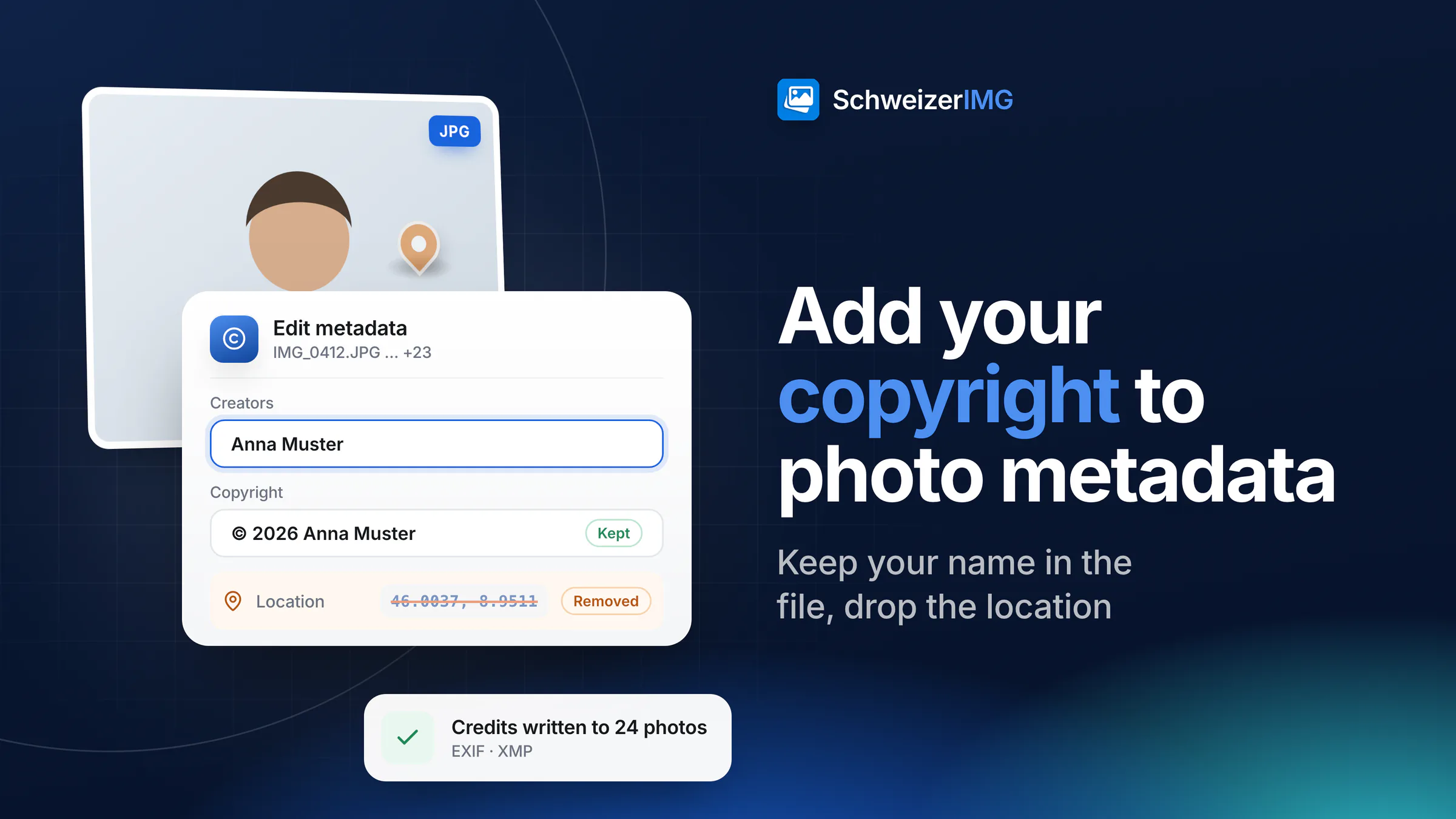
To add copyright to photo metadata, write your name into the creator field and a notice such as “© 2026 Anna Muster Fotografie” into the copyright field of the file. Edit metadata does this for one photo or a whole series in one run: it writes both values into the photo's EXIF and XMP data, and into its IPTC data where the file already has an IPTC block — without re-encoding a single pixel.
Credits in the file help with attribution and licensing, but they are not a lock, and they sit next to data you probably don't want to share, such as the GPS location. This article explains which fields hold author and rights information, what they can and cannot do, and how to keep your name in the file while the location goes.
Where author and copyright live in a photo: EXIF, IPTC and XMP
A photo can carry three kinds of metadata. EXIF is written by the camera and has a short field for the artist and one for the copyright. IPTC is the older standard of news agencies and picture desks, with fields such as By-line, Credit Line and Copyright Notice. XMP is the newer, extensible format most photo software reads today; its creator and rights fields come from the Dublin Core vocabulary. What else these blocks contain — location, serial numbers, previews — is covered in what your photos reveal.
| Field | Standard | Written by *Edit metadata* |
|---|---|---|
| Artist | EXIF | Yes — from Creators |
| Copyright | EXIF | Yes — from Copyright |
| dc:creator | XMP | Yes — from Creators, one entry per name |
| dc:rights | XMP | Yes — from Copyright |
| By-line and Copyright Notice | IPTC | Yes, where the file already has an IPTC block; none is created |
| Credit Line, usage terms, licence links | IPTC / XMP | No — not written by the tool; Remove metadata keeps existing values with Private details only |
Writing the same value into several places matters because different programs read different blocks: one shows the EXIF artist, another the XMP creator. Edit metadata keeps them in agreement. Empty fields are left as they are, so you can set the copyright without touching the title, the keywords or the capture date.
Why copyright metadata helps: attribution and licensing
- Your name travels with the file. When a photo is forwarded without its caption or the e-mail it came with, the creator field still says who took it.
- People can find you for a licence. A publication, a client's agency or a former colleague who wants to reuse the picture knows whom to ask.
- Picture desks and archives read these fields. Media and photo-management workflows often fill credit lines from the creator and copyright fields instead of asking again.
- A series stays consistent. One run writes the same notice into every photo of a shoot, so no file goes out without it.
What copyright metadata doesn't do
Metadata is a label, not protection. Many websites, social networks and messengers remove some or all of it when a photo is uploaded; a screenshot or a re-saved copy loses it entirely; and anyone with a metadata editor can change it. A visible mark has the opposite weakness — it survives forwarding but can be cropped — which is why photographers often use both.
Nor does the notice create your rights: under the Swiss Copyright Act, a work is protected as soon as it is created (Art. 29 para. 1), with or without a notice. What that means for photos, and how watermarks fit in, is explained in what a watermark protects — and what it doesn't.
Keep the copyright, remove the location
A photo you publish with your name in it should usually not also publish where you were standing. The two are separate groups of metadata, so you can keep one and remove the other. Here is how the options of Remove metadata treat them:
| *Remove metadata* option | Location | Author and copyright |
|---|---|---|
| Private details only (recommended for sharing) | Removed — GPS and place names | Kept; personal contact details (e-mail, phone, address) are removed |
| Private details, software, unique IDs and people | Removed | Kept |
| Location only | Removed | Kept |
| Choose groups | As ticked (GPS location, Place names) | Kept unless you tick Title, caption, author, copyright, keywords |
| Everything that isn't needed to show the image (preselected) | Removed | Removed |
Edit metadata can also clear a field: under Remove these fields, Location removes the GPS coordinates everywhere in the file. It does not touch place names, serial numbers or embedded previews, though — for photos you share, Remove metadata with Private details only is the more thorough clean-up.
How to add copyright to photo metadata in a batch
- 1
Check what is in the files
Open the photos in View metadata. It shows whether a creator or copyright is already set, and whether the files carry a location.
- 2
Open Edit metadata and add the series
Add all the photos of the shoot. However many a run holds within your plan's files per run, it counts as one operation — see processing many images at once.
- 3
Fill in Creators and Copyright
Write one name per line under Creators, for example “Anna Muster”, and the notice under Copyright, for example “© 2026 Anna Muster Fotografie”. Leave every other field empty to keep what is there.
- 4
Remove the location
In Remove metadata, switch What to remove from the preselected strictest option to Private details only. It removes GPS, place names, serial numbers and previews and keeps your credits. The order of the two tools doesn't matter, except with the strictest option, which removes the credits too — add them afterwards in that case.
- 5
Check the result
Open one finished file in View metadata: your name and notice are there, the location is gone. Neither tool re-encodes the pixels, so the image quality is unchanged.
What to write in the fields
- A name, not a phone number. Your professional name or business name is enough. Private contact details don't belong in a public photo, and Private details only takes them out anyway.
- A short notice. “© year name” is the familiar form. Keep it short: the older IPTC block allows only short values and shortens longer ones.
- Several creators, one per line — a photographer and an assistant, for example. Each is stored as its own entry in XMP.
- Keep your originals. SchweizerIMG doesn't store results, so download the finished files and keep the unedited originals separately; they are your best evidence of authorship.
Credits and location data are processed in your browser: the photos are read from your device and saved back to it, never sent to or stored by us, and per run our server receives only the tool and the outcome. Details are on the security page; workflows for photographers and communication teams are on image tools for media and communications.
Frequently asked questions
Does Edit metadata overwrite an existing copyright notice?
Yes, for the fields you fill in: the new value replaces the old one in EXIF, XMP and, where present, IPTC. Fields you leave empty stay as they are. To delete a notice without writing a new one, tick Copyright under Remove these fields.
Will my copyright still be there after I upload the photo?
That depends on the service, and it can change with any update. If it matters, download the published copy and open it in View metadata. Where the metadata has been removed, only a visible mark or a credit next to the picture still names you.
Does Remove metadata delete my author and copyright fields?
Not with Private details only, and not with Location only or the stricter privacy option. Only Everything that isn't needed to show the image — the option preselected when the tool opens — or Choose groups with Title, caption, author, copyright, keywords ticked, removes them.
Does adding copyright metadata reduce image quality?
No. Edit metadata rewrites the metadata only; the pixels are not re-encoded, so the image looks exactly as before.
Start with the metadata tools, read the guide on removing location and camera data, see which plans include Edit metadata on the pricing page, or create an account and add your name to your next series.
General information
This page is general information and marketing content, not legal advice. It simplifies the Swiss Copyright Act (CopA / URG) and the metadata standards (EXIF, IPTC, XMP); how other programs and services read or remove these fields varies. For a decision about your own situation, please consult a qualified professional.