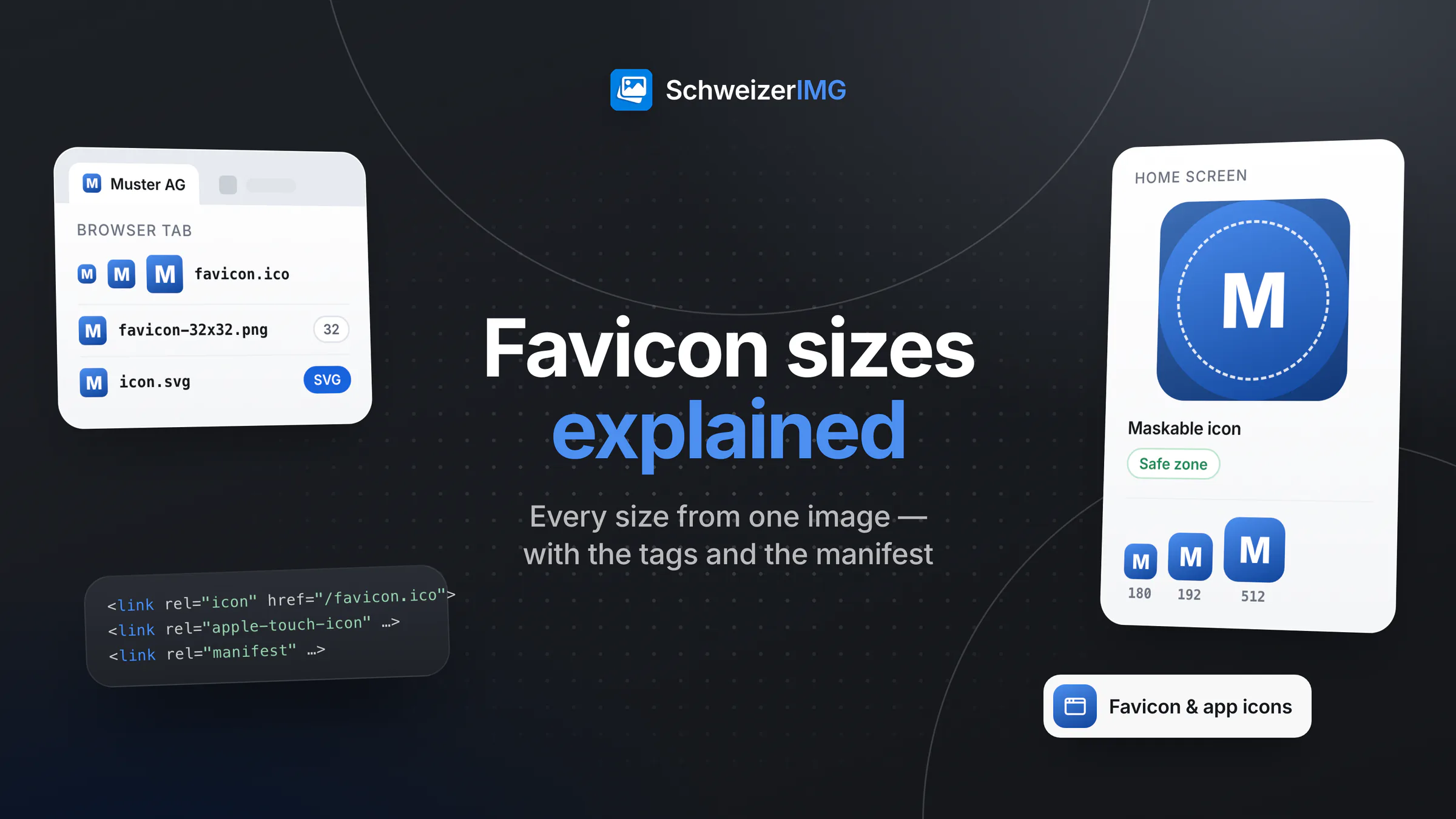
In short: a modern website needs a favicon.ico with 16, 32 and 48 pixels (or at least a 32-pixel PNG) for the browser tab, optionally an SVG favicon that stays sharp at every size, a 180 × 180 touch icon for phones and tablets that save the site to their home screen, and a web app manifest that lists icons of 192 × 192 and 512 × 512 pixels, ideally with one maskable version. Each is linked with a single line in the page's <head>.
This guide explains what each file is for, how to design a mark that still reads at 16 pixels, why maskable icons need extra space, and how to create the whole set from one image in your browser with Favicon & app icons — including the HTML tags and the manifest. It ends with how to check the result and why browsers sometimes keep showing the old icon.
Which favicon sizes does a website need?
Browsers, operating systems and home screens each pick the icon that suits them best from what the page offers. A complete, current set looks like this:
| File | Size | Where it appears |
|---|---|---|
favicon.ico | 16, 32 and 48 px in one file | Browser tab, bookmarks, history; also older browsers and tools that only look for this name |
favicon-16x16.png, favicon-32x32.png | 16 and 32 px | Browser tab, as the PNG alternative |
icon.svg | Scalable | Browsers that support SVG favicons — sharp on every screen density |
apple-touch-icon.png | 180 × 180 px, opaque | Home-screen bookmarks on phones and tablets |
android-chrome-192x192.png, android-chrome-512x512.png | 192 and 512 px | Listed in the manifest: home screens, app launchers, install dialogs |
maskable-icon-512x512.png | 512 px, opaque | Manifest icon for platforms that cut icons into a circle or rounded square |
The web app manifest is a small JSON file (site.webmanifest) with the site's name, its icons, a theme colour and how it opens once installed. Its format is a W3C specification. Even if you never plan an installable web app, browsers read it for home-screen icons.
ICO, PNG or SVG: which favicon format?
- ICO is the oldest format and still the most robust: one file holds several sizes, and it works where nothing else does. Keep it at the site root.
- PNG favicons are simple single sizes. Modern browsers accept them directly; offer 16 and 32 pixels.
- SVG favicons scale without loss and are usually tiny. Not every browser uses them, so they complement the ICO and PNG files rather than replacing them.
- Touch and manifest icons are always PNG: opaque for the touch icon, transparent where allowed for the regular manifest icons.
Whether your logo should exist as SVG or PNG in the first place is a question of its own, compared in SVG vs PNG for logos.
How to design a favicon that reads at 16 pixels
At 16 × 16 pixels there are 256 dots to work with. A full logo with a wordmark becomes a grey smudge. What works:
- Use the symbol, not the whole logo. A letter, an initial pair or the logo's mark alone — never a slogan or small text.
- Strong contrast. A light mark on a dark tile, or the reverse. The tab background may be light or dark, so a mark without a background of its own must work on both.
- Thick shapes, few details. Thin lines and fine gaps disappear when the icon is reduced. Simplify rather than shrink.
- Fill the square. A wide logo in a square leaves a thin stripe in the middle; crop to the symbol or redraw it for a square.
- Start large. Make the icons from an SVG, or from an image of at least 512 pixels on each side, so every size is a real reduction and nothing is enlarged.
No logo yet? A single letter or an emoji on a brand colour is a perfectly good favicon and is legible at every size.
Maskable icons: padding and the safe zone
Some platforms cut home-screen icons into a circle, a rounded square or another shape of their choosing. A regular icon then loses its corners — or floats as a small shape on a white plate. A maskable icon solves this: it is opaque to the edges, and everything important sits inside the safe zone, a circle in the middle whose radius is 40 % of the icon's size, as defined in the web app manifest specification. Whatever lies outside it may be cut away.
In practice, that means generous padding: a mark that fills the regular icon edge to edge needs to be noticeably smaller on the maskable one, on a solid background colour. The touch icon for phones and tablets is opaque as well, because transparent areas would be shown as black; its corners are rounded by the system.
How to create a favicon with Favicon & app icons
Favicon & app icons makes the complete set in one run, in your browser: the image is processed on your device and never uploaded to us (more on the security page).
- 1
Choose the source
Add one image — ideally an SVG or a square PNG of your mark — or switch “Make the icons from” to “Text or an emoji” and choose the text, its colour, the colour behind it and a font.
- 2
Fit and space
For a non-square image, choose “Fit the whole image” or “Cut a square out” and which part to keep. “Space around the image or text” adds padding to every icon.
- 3
Set colours and the manifest
Pick the background of the Apple and maskable icons, optional rounded corners for the Apple icon, the app name, the short name under the home-screen icon, the theme colour and how the site opens when installed.
- 4
Tell it where the files will be
“Where the files will be on the website” is written into the HTML tags and the manifest —
/for the site root, or a folder such as/icons/. - 5
Download and add the tags
Save all files at once, upload them to your website as usual and paste the tags from
snippet.htmlinto the<head>of every page.
The result: favicon.ico (16, 32 and 48 px), the 16- and 32-pixel PNGs, the 180-pixel Apple touch icon, the 192- and 512-pixel manifest icons, a 512-pixel maskable icon whose content is kept inside the safe zone, site.webmanifest and snippet.html. With an SVG source, a cleaned icon.svg is added and listed in the tags; optionally, browserconfig.xml with a tile for legacy Windows tiles. The small sizes are sharpened after reduction unless you switch it off, and a warning appears if the source had to be enlarged. With the default settings, the snippet reads:
<link rel="icon" href="/favicon.ico" sizes="16x16 32x32 48x48" />
<link rel="icon" href="/favicon-32x32.png" type="image/png" sizes="32x32" />
<link rel="icon" href="/favicon-16x16.png" type="image/png" sizes="16x16" />
<link rel="apple-touch-icon" href="/apple-touch-icon.png" sizes="180x180" />
<link rel="manifest" href="/site.webmanifest" />
<meta name="theme-color" content="#ffffff" />
The tool works on one source per run, and one run is one operation. Your first steps in the app are described in running your first tool; all creative tools are listed under create.
Checking the favicon and refreshing the cache
Browsers keep favicons for a long time, often longer than the page itself. If the old icon still appears after an update, it is usually the cache, not the files:
- Open the file directly, for example
https://www.example.ch/favicon.ico. If the new icon appears there, the upload worked. - Reload without the cache or open the page in a private window.
- Change the file reference when you replace an icon, for example
/favicon.ico?v=2in the tags, so browsers fetch it again. - Check the tab in a light and a dark theme and on a phone's home screen — that is where a weak contrast or too little padding shows.
- Look at the page source: the tags belong in the
<head>of every page, not only the home page.
Frequently asked questions
What size should a favicon be?
For the browser tab, 16 and 32 pixels (in an ICO with 48 pixels added); for home screens, 180 pixels for the touch icon and 192 and 512 pixels in the manifest. Start from a source of at least 512 pixels or an SVG.
Is a single favicon.ico still enough?
For the browser tab, mostly yes. Home screens and installed web apps, however, look for the touch icon and the manifest icons; without them, they show a screenshot or a generic letter instead of your mark.
Can I use an emoji as a favicon?
Yes. In Favicon & app icons, choose “Text or an emoji” and a background colour; the emoji is drawn with the bundled fonts and becomes a normal image file in every size, so it looks the same on every device.
Why does my new favicon not show up?
Usually the browser cache. Open the icon's address directly, reload without the cache, and add a version parameter to the file reference. Also check that the path in the tags matches where the files really are.
Ready for a sharp icon in every tab? Open the creative tools, see which image formats are supported, read how to make website images lighter, see how agencies prepare client assets, or create a free account.
General information
This page is general information and marketing content. It simplifies how browsers and operating systems choose and display icons; their behaviour and the recommended sizes change over time. For decisions about your own website, please consult a qualified web developer.