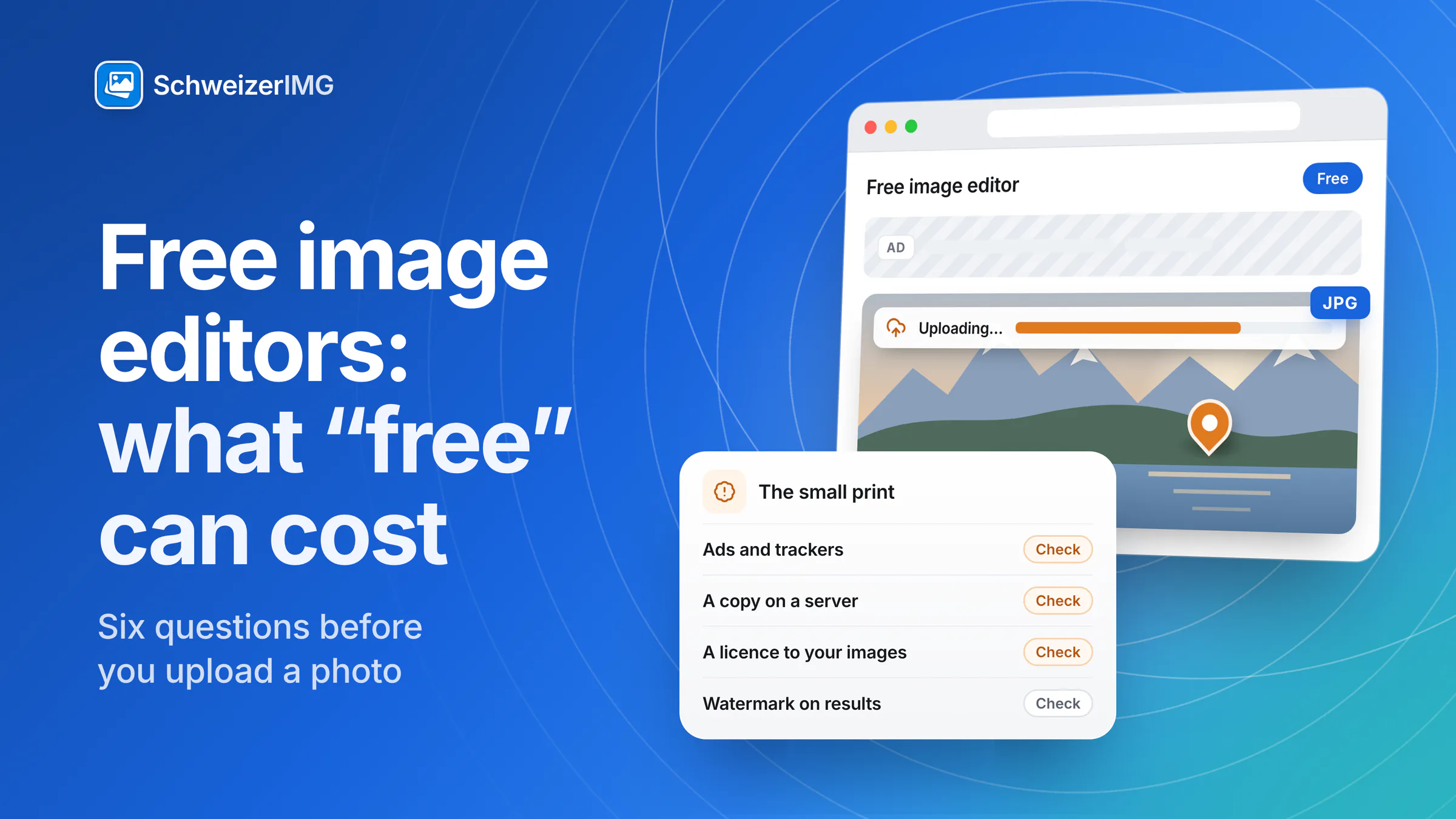
Are free online image editors safe? For many images, yes: resizing a picture that is already on your website or cropping a public product shot with a free tool carries little risk. The real question is a different one — what does the service get in return for its work, and what happens to the photo you hand over?
The short answer: a free tool is fine for images that are public anyway. For photos of people, client material, unpublished products or pictures with location data, check six things before you upload — or use a tool that never receives the image at all. This article explains the common business models in general terms and does not assess any particular provider; terms, retention periods and server locations differ between services and change over time.
How free online image tools pay for themselves
Servers, bandwidth and development cost money, so a free tool is financed somehow. None of the following models is wrong in itself, and many services combine several of them. Knowing which one applies tells you what to look at.
| Model | How it works | What it can mean for your image |
|---|---|---|
| Advertising | Ads are shown on the tool page, often supplied by ad networks. | Third-party scripts load next to your image; they see your visit and your device, sometimes more. |
| Upselling | A free tier with limits; a paid plan removes them. | Usually harmless — the limits are the price: file size, resolution, number of images. |
| Watermarked or reduced output | Free results carry a mark or are saved at a lower resolution. | Fine for trying a tool out, not for the final image. |
| Use of data | Usage data — and sometimes uploaded content — is used for analytics, to improve the service or to develop features. | Depends entirely on the privacy policy and the terms. |
| Rights in the terms | The terms grant the provider a licence to the content you upload, at least to operate the service. | The scope varies: what is licensed, for how long, and whether it ends when you delete the file. |
Is a free online image editor safe for every photo?
It depends less on the tool than on the picture. For an icon, a meme template or a photo already published on your website, where it is processed hardly matters. It matters for images like these:
- People. Employees, guests, children or patients who can be recognised — such photos are personal data, see photos of people in Switzerland.
- Client material. Agencies and photographers often may not pass client assets to further service providers — see SchweizerIMG for agencies.
- Unpublished products. Pictures of items before launch reveal more than any press release.
- Photographed documents. An ID card, an invoice or a contract on the desk is information, not just pixels.
- Photos with location data. The file can contain where and when it was taken.
Six questions to ask before you upload a photo
- Who receives the image? Only the provider, or also hosting, storage and other service providers working for it?
- How long is it kept? Deleted right after the download, after some hours, or until you delete your account?
- Where is it processed and stored? The country of the provider and its servers decides which laws and authorities can reach the file.
- Which sub-processors are involved? A careful privacy policy names them, or at least their categories.
- Which rights do the terms grant? Look for the licence clause: what may be done with your content, whether it can be passed on, and when the licence ends.
- Which trackers load on the page? Advertising and analytics scripts run in the same page as your image.
Swiss context
Under the Swiss Federal Act on Data Protection (FADP / nDSG), a company that collects personal data must inform the people concerned at least of its identity and contact details, the purpose of processing and, if applicable, the recipients or categories of recipients; if the data is disclosed abroad, also the country (Art. 19 FADP). The privacy policy is therefore where the answers to the first four questions belong. Whether a particular service meets its duties is not something this page assesses.
How to check a free image tool yourself
- 1
Read the privacy policy
Search it for “images”, “content”, “retention”, “recipients” and “abroad”. Vague answers to the six questions are an answer too.
- 2
Read the licence clause in the terms
Search for “licence”, “grant” and “content you upload”. A licence limited to operating the service reads very differently from one that is worldwide, transferable and unlimited in time.
- 3
Look at the cookie banner
A long list of partners usually means advertising or analytics. Decline everything that is not necessary — the tool should still work.
- 4
Watch what the page sends
Your browser's developer tools show in the Network tab whether the image leaves as an upload. The step-by-step check is in browser image tools vs. upload websites.
- 5
Check the downloaded result
Open the result in Image info: format, dimensions and which metadata it still carries. A free tier that silently lowers the resolution shows up here.
A photo carries more than pixels
Even with a trustworthy service, an upload hands over the whole file. That includes metadata such as GPS coordinates, the capture time and camera serial numbers — described in detail in what your photos reveal — and everyone who appears in the picture. If a photo has to go to an online service, remove the metadata first and make faces or number plates unrecognisable where they are not needed; the tool reference is in blurring faces and number plates.
Why SchweizerIMG has paid plans — and a Free plan
SchweizerIMG takes a different route: the tools run in your browser, and images are processed on your device — they are never sent to or stored by us. Per run, our server receives only the tool id and the outcome. There are no ads, no third-party trackers and no third-party scripts on the site — only privacy-friendly visit statistics on our own servers in Switzerland, never anything from your images. Without images and without advertising, there is nothing to monetise except the service itself — so it is meant to be financed by paid plans.
We do store what an account needs: account data, sessions, a usage ledger, billing records, e-mail logs and security logs. The full list is in what we store, the architecture on the security page and in where your images are processed.
The Free plan is honest about its trade-offs: it has limits, and it needs an account, because the operation quota lives on our server. It needs no credit card. The plans are still being finalised; the current limits, and which plans include which tools, are shown on the pricing page.
Frequently asked questions
Is it safe to edit photos of people with a free online tool?
That depends on what the service does with the upload — retention, recipients and the rights in its terms. Photos of recognisable people are personal data, so passing them to further providers should be limited to what is needed. A tool that processes the image on your device avoids the question.
Does a watermark on free results mean a tool is unsafe?
No. A watermark on free output is a common way to sell the paid plan and says nothing about how the images are handled. The privacy policy and the terms are what tell you that.
Can I see whether my photo is uploaded?
Yes. Open your browser's developer tools, switch to the Network tab and run the tool. An upload appears as a request roughly the size of your image; with a browser-local tool, no image data leaves the page.
Why does the Free plan of SchweizerIMG need an account?
Because plans and the monthly operation quota are kept on our server, and sign-in needs a connection. The account holds your e-mail address and usage counts — never your images. How to set one up is in creating an account.
Try it with an image you care about: see all tools, check what each plan includes on the pricing page, or create a free account.
General information
This page is general information and marketing content, not legal advice. It describes business models in general terms, assesses no particular provider and simplifies the Swiss Federal Act on Data Protection (FADP / nDSG); for a decision about your own situation, please consult a qualified professional.