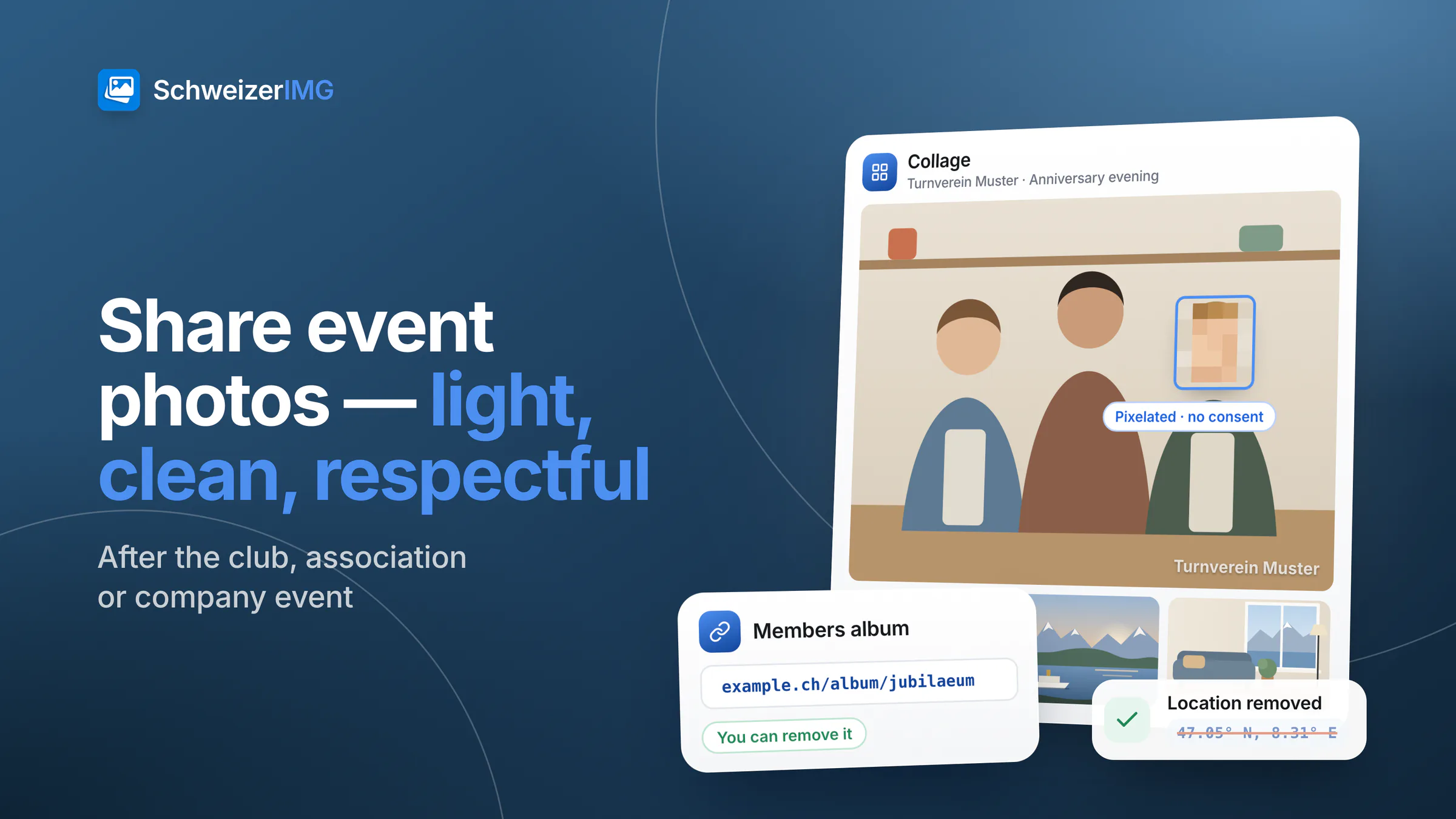
To share event photos after a club, association or company event, first pick the best shots, then make the whole set lighter with Resize and Compress image, take out the location and other hidden details with Remove metadata, and make people who did not agree to be shown unrecognisable with Blur or pixelate. A Collage makes a recap picture for the newsletter, and Watermark can add the club's name. Then share the set through a link or album that you, as organiser, can change and remove later.
Every step runs in your browser, so the photos of participants are not uploaded to us on their way from the camera to the members. Before anything is published, it helps to know who agreed to which photos — the basics are in photos of people in Switzerland.
Before you share: select and sort
- Select hard. Leave out blurred shots, closed eyes, duplicates and unflattering moments. Thirty good photos are shared and looked at; three hundred are not.
- Sort by audience. One folder for everyone (group photos, the venue, the stage), one for participants or members only, one for photos that are not shared at all.
- Note the requests. People who asked not to be shown — at registration, with a sticker on their badge or in person — need to be checked in every photo of the set.
- Keep the originals in one place. The full-size photos stay with the organiser; the shared set is a lighter copy.
Sharing event photos, step by step
Most steps take the whole set in one run, and one run is one operation however many photos it holds; Continue with another tool passes the results on without downloading them in between. See processing many images at once. The tools are on the features page.
- 1
Make the set lighter
Resize with “Longest side” brings every photo to a size that looks sharp on any screen; smaller photos are not enlarged. Continue with Compress image in the “Automatic” mode. To send a few photos by e-mail instead, see resizing photos for e-mail.
- 2
Remove the hidden details
Remove metadata with “Private details, software, unique IDs and people” removes the location, serial numbers and the names and face regions that photo apps sometimes write into a file — losslessly, without touching the pixels. What else a file can carry is explained in what your photos reveal.
- 3
Hide people who did not agree
Blur or pixelate with “Pixelate” or “Solid colour” and a high strength. The areas you mark apply to every image of a run, in proportion to its size, so at an event — where each face is somewhere else — process these photos one by one. Details in blur faces and number plates.
- 4
Make a recap picture (optional)
Collage with a layout such as “Large on top, 4 small”, a caption per photo and a Title — for example “Turnverein Muster · Anniversary evening”. One picture for the newsletter, the website or the noticeboard, instead of twenty attachments.
- 5
Add the club's name (optional)
Watermark with Text — “Turnverein Muster” — or the Logo image, small, Once, bottom right. It shows where the photos come from when they are passed on; it does not stop anyone from copying them.
Who may be in the shared photos?
There is no single rule for every event. Announcing beforehand that photos are taken and where they will be shared, respecting objections, and asking before publishing a photo that focuses on one person are widely recommended; children's photos need particular care. The detail — including what changes for public events and crowds — is in photos of people in Switzerland. When in doubt, share the photo only with the participants, crop the person out, or leave it out.
Where to share: a place you control
How you share decides whether you can correct a mistake later. Someone who asks to be removed a week after the event is easier to help when the photos sit in one place the organiser controls:
| Way of sharing | Who sees the photos | Can you remove a photo later? |
|---|---|---|
| Album or folder link from the organiser | Everyone with the link | Yes, in the album — copies already downloaded stay |
| Members area of the club or intranet | Signed-in members or staff | Yes |
| Public website or social network post | Anyone | Your post yes; copies and shares no |
| Group chat | Everyone in the chat, and whoever they forward to | Hardly |
- Use one link per audience — the public selection, the participants' set — and say in the message who it is for.
- Set an expiry date if your sharing service offers one, and remove the album when it has served its purpose.
- Put a contact in the message for people who want a photo removed, and act on it quickly.
Why the photos stay on your device
Event photos show faces, children, name badges and sometimes a moment someone would rather forget. With SchweizerIMG they are processed in your browser and not sent to us; per run, our server receives only which tool ran and whether it finished. Results exist only in the open tab, so download the set before you close it. Details on the security page. Communication teams preparing photos of company events find more in SchweizerIMG for media and communications.
Frequently asked questions
How do I share many event photos without losing visible quality?
Resize to a longest side that suits screens and compress with the automatic setting: the set becomes much lighter and still looks sharp. Keep the originals for anyone who wants a print.
Can I pixelate several people in many photos at once?
Only if they stand in the same place in every photo, as in a series from a fixed camera. At most events faces move, so process those photos one by one.
Do event photos still show where they were taken?
Often, yes: phones store the location in each photo. Remove metadata takes it out losslessly before you share; View metadata shows what a file still carries.
Are the event photos uploaded to SchweizerIMG?
No. They are processed in your browser. Which plans include each tool, and how many files a run may hold, is shown on the pricing page.
Ready to share the photos of your next event? Create an account.
General information
This page is general information and marketing content, not legal advice. It simplifies the right to one's own image under the Swiss Civil Code and the Federal Act on Data Protection (FADP/nDSG), and it does not assess whether a particular photo may be shared or published. For a decision about your own event, please consult a qualified professional.