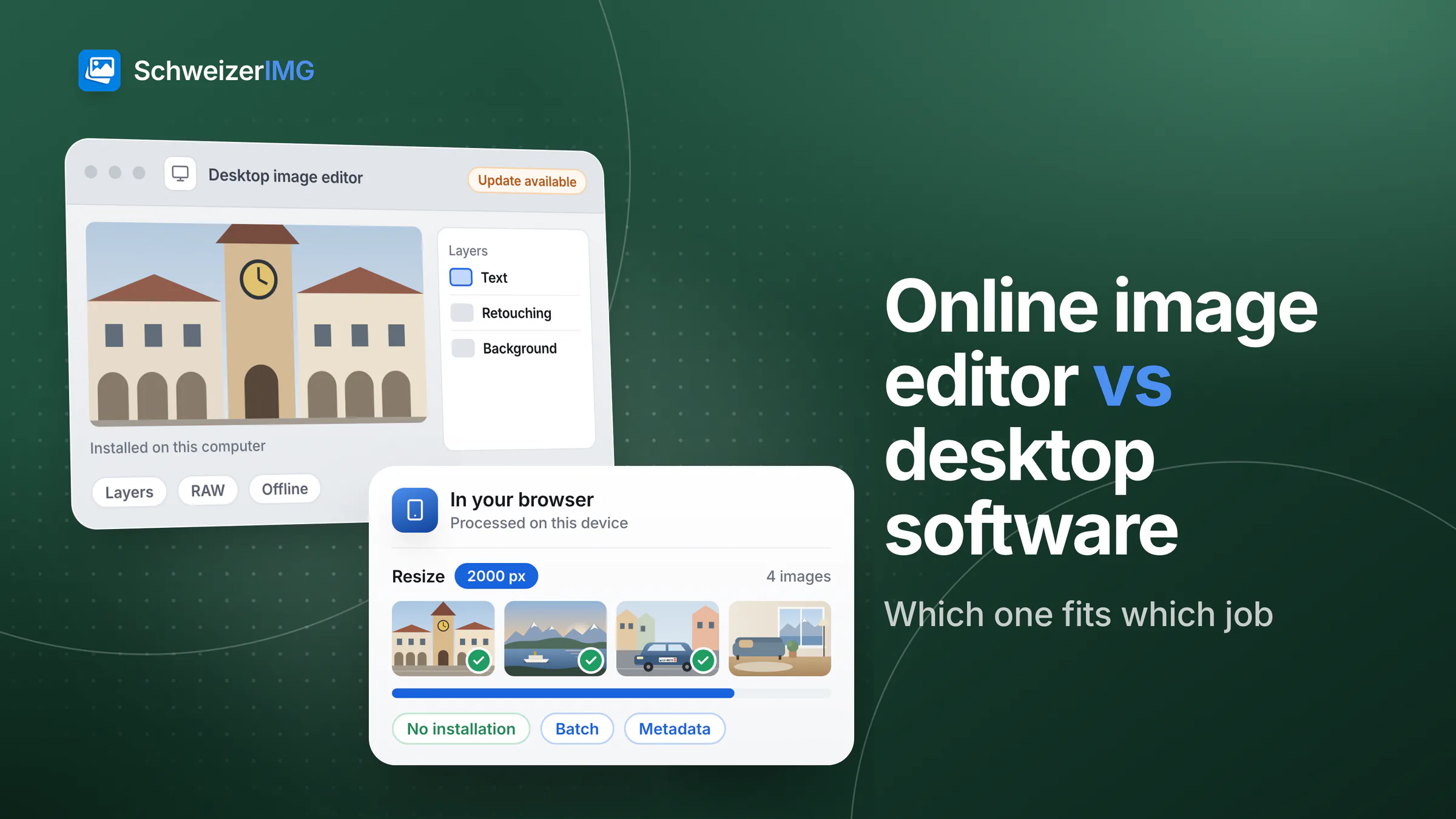
Online image editor or desktop software? The honest answer is that they are built for different jobs. Installed desktop image editors are the tool for deep work on a single picture: layers, masks, RAW development, detailed retouching and colour-managed print. A browser-based tool such as SchweizerIMG is the tool for the everyday tasks around it: resizing, compressing and converting a batch, removing metadata, hiding a face — without installing anything, on any computer or phone with a current browser.
"Online" covers two different architectures, though. Many online editors upload your image to a server; SchweizerIMG processes it in your browser, on your device. That difference is explained in detail in image tools in the browser vs. upload websites. This comparison is about the other question: installed software or a tool in the browser. It describes the approaches in general and does not assess any specific product.
Three ways to edit an image
- Desktop image editors are installed on each computer. They process locally and offer the deepest feature set; you look after licences and updates.
- Browser-local tools (SchweizerIMG) load the program into your browser and process the image on your device — nothing to install, but a connection and an account are needed.
- Upload-based image websites process the image on the provider's servers. Convenient for public pictures; the file leaves your device — see the detailed comparison.
Online image editor vs desktop software side by side
| Desktop image editor | Browser-local tools (SchweizerIMG) | |
|---|---|---|
| Installation and updates | Installed on every machine; updates by you or your IT | None; the current version loads with the page |
| Licence | Purchase or subscription, often per user or device | An account; what each plan includes is on the pricing page |
| Offline use | Usually works offline | Needs a connection for sign-in and counting operations |
| Where the image is processed | On your device | In your browser, on your device |
| What the provider learns | Depends on the software (licence checks, usage data, optional cloud sync) | Your account, which tool ran and our own visit statistics — no file data |
| Depth of editing | Layers, masks, RAW, advanced retouching, print workflows | One operation per run; the image editor for quick touch-ups |
| Batch tasks | Possible, often via actions or scripts to set up | Built in: many images in one run |
| Metadata | Varies; often buried in export settings | Dedicated tools to view, remove and edit metadata |
| Platforms | The operating systems the vendor supports | Current browsers on computers, tablets and phones |
When desktop software is the better choice
Be clear about what a browser tool is not. For these jobs, an installed editor is usually the right tool:
- Layered compositions. Montages, masks, adjustment layers and project files you reopen next week. SchweizerIMG's Image editor works on one image and keeps no project: no layers, no masks, no layered file export.
- Camera RAW. Developing RAW files needs a RAW converter; SchweizerIMG opens no RAW formats. Export JPEG or TIFF from your camera software first.
- Advanced retouching. Skin retouching, removing objects, complex cut-outs. SchweizerIMG has no AI features: Remove background colour works by colour and is best on even backdrops.
- Colour-managed print. Soft-proofing and CMYK output for a print shop belong in desktop software. SchweizerIMG manages colour profiles for screens and the web, but writes no CMYK.
- Working without a connection. On a train without network or on an isolated machine, only installed software works.
When a browser-based image tool is the better choice
- Repetitive batch tasks. Resize, Compress image or Convert format on a whole folder in one run — no recorded action to maintain. How batches work: many images at once.
- Metadata before sharing. View metadata shows GPS location, time and camera serial numbers; Remove metadata strips them without re-encoding the pixels — see what your photos reveal. Which plans include Edit metadata is shown on the pricing page.
- Web formats. Converting to WebP or AVIF and preparing images for a website — see image formats compared.
- Hiding faces and number plates. Blur or pixelate makes areas unrecognisable in the exported file — see blurring faces and number plates.
- Machines you do not administer. A borrowed laptop, a locked-down office computer, a phone: no installation and no admin rights needed.
Confidentiality: local on both sides — with different details
Desktop software and browser-local tools share the key point: the image is processed on your own device. The differences are in the details. Some desktop programs synchronise files to a cloud, check licences online or send usage data by default; check the settings of the software you use. SchweizerIMG sends, per run, only which tool ran and whether it finished, and the page's Content Security Policy keeps its scripts from connecting to any other server. How that works under the bonnet is explained in how browser-based image editing works; what the account contains is on the security page.
For photos of people, unpublished products or client material, both local options avoid handing the file to a further service provider — which is often the point for agencies and photographers (SchweizerIMG for agencies). Neither protects against a compromised device or a malicious browser extension.
Performance and platforms
Installed editors run as native programs and can use the full machine, including the graphics card, for heavy filters on large images. SchweizerIMG runs codecs compiled to WebAssembly in background workers of the browser — fast for typical photos, with no upload time, but bounded by the memory a browser tab may use. Very large images (many tens of megapixels) may fail on phones; see large images and memory. In return, the same tools run in a current browser on any computer, tablet or phone, whatever the operating system; HEIC photos open only in Safari, and the video tools need a recent browser (supported browsers).
How to choose: four questions
- 1
Is it one image or many?
Deep work on one picture points to desktop software; the same task on many images points to a batch in the browser.
- 2
Do you need layers, RAW or print?
If yes, use an installed editor for that step. Browser tools do not replace it.
- 3
Whose machine is it?
On computers you cannot install software on, or on a phone, a browser tool is often the only practical option.
- 4
Must the image stay on the device?
Then choose a local option — desktop software or a browser-local tool — rather than an upload website.
Frequently asked questions
Can a browser tool replace my desktop image editor?
For everyday tasks — resizing, compressing, converting, cropping, watermarking, removing metadata — often yes. For layered work, RAW development, advanced retouching or print preparation, no. Many people use both: the desktop editor for the creative work, the browser tool for preparing and sharing the results.
Do I need administrator rights to use SchweizerIMG?
No. Nothing is installed; a current browser with WebAssembly is enough. Some company policies switch WebAssembly off — in that case, ask your IT.
Which is faster for a large batch of photos?
It depends on the device and the task. For a standard job such as resizing or converting, a browser batch needs no setup and processes several images in parallel. Desktop software can be faster on very large images, because it may use more memory and the graphics card.
Can I combine a desktop editor and SchweizerIMG?
Yes. A common pattern: edit in the desktop editor, export JPEG or PNG, then use Optimise for web or Resize and Remove metadata in the browser before publishing. Results can be passed between tools without downloading them in between — see continue with another tool.
See all tools, check what each plan includes on the pricing page or create a free account and try a batch with your own images.
General information
This page is general information and marketing content. It describes desktop image editors and online tools in general terms and simplifies features, licensing models and browser support, which differ between products and versions and change over time.